
Sloppy Forgeries Local Multiplayer: Two Mice on One PC
Quick answer
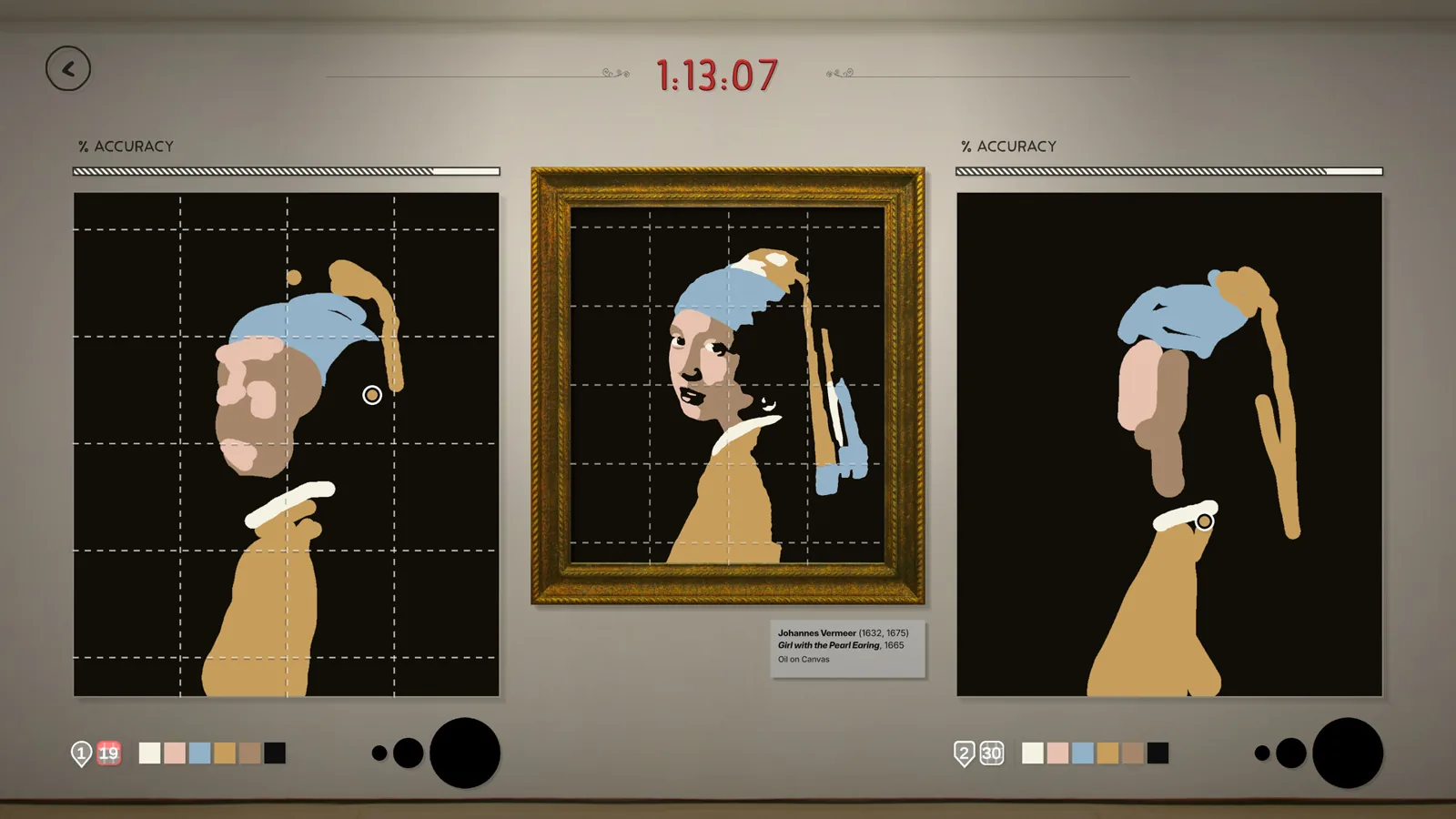
Yes, Sloppy Forgeries has local multiplayer: it is a Mouse-v-Mouse mode where two players plug in two mice and paint head-to-head on the same computer. The official Steam page describes it as "Have two mice laying around? No? Well tell your friends it's BYOM and go head-to-head on the same computer," and adds one crucial footnote: this feature is marked *Windows Only.
| Local multiplayer mode | Mouse-v-Mouse: two players use two mice head-to-head on the same computerSloppy Forgeries on Steam (official store page) |
|---|---|
| Platform restriction | The two-mice local multiplayer feature is marked *Windows OnlySloppy Forgeries on Steam (official store page) |
| Release date | November 13, 2026, with a free demo availableSloppy Forgeries on Steam (official store page) |
| Developer confirmation | The developer confirmed at launch: single player, local multiplayer (two mice), and online multiplayer with private lobbiesWho Can Play? :: Sloppy Forgeries General Discussions |
Sloppy Forgeries local multiplayer is Mouse-v-Mouse mode: plug in two mice and paint head-to-head on one Windows PC. Here is what to set up before Nov 13, 2026.
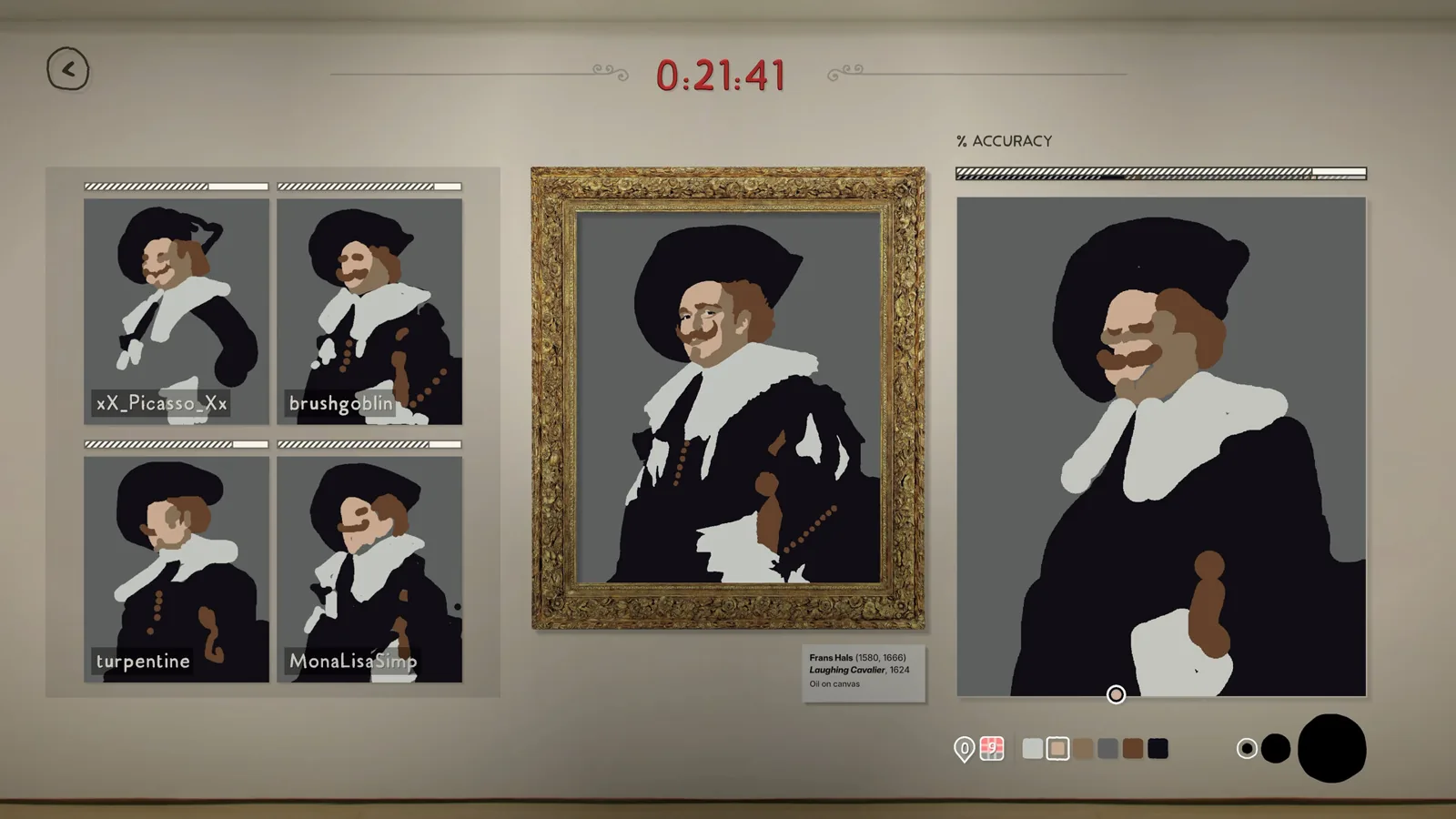
Table of Contents
Yes, Sloppy Forgeries has local multiplayer: it is a Mouse-v-Mouse mode where two players plug in two mice and paint head-to-head on the same computer. The official Steam page describes it as "Have two mice laying around? No? Well tell your friends it's BYOM and go head-to-head on the same computer," and adds one crucial footnote: this feature is marked *Windows Only.
What you need before a match
- A Windows PC. The only platform listed on the official Steam page as of 2026-11-09 is Windows (Windows 7 64-bit minimum, Windows 10 64-bit recommended).
- Two external mice. Both the minimum and recommended system requirements say "Must have an external mouse," so a laptop trackpad is not the intended second input.
- That is the whole hardware list: each player controls their own cursor with their own mouse, no gamepads or extra copies of the game are mentioned.
Setting up a two-mice match
Check your inputs
Plug both external mice into the PC before launching. Both should move their own cursor on the Windows desktop before you start.Launch the game or demo
A free demo is available now; the full game unlocks on Steam on November 13, 2026. Both support the same feature set per the store page.Choose the local mode
From the party modes, pick the Mouse-v-Mouse local multiplayer option rather than Online Multiplayer, which instead uses join codes for up to 7 friends.Pick a painting and paint
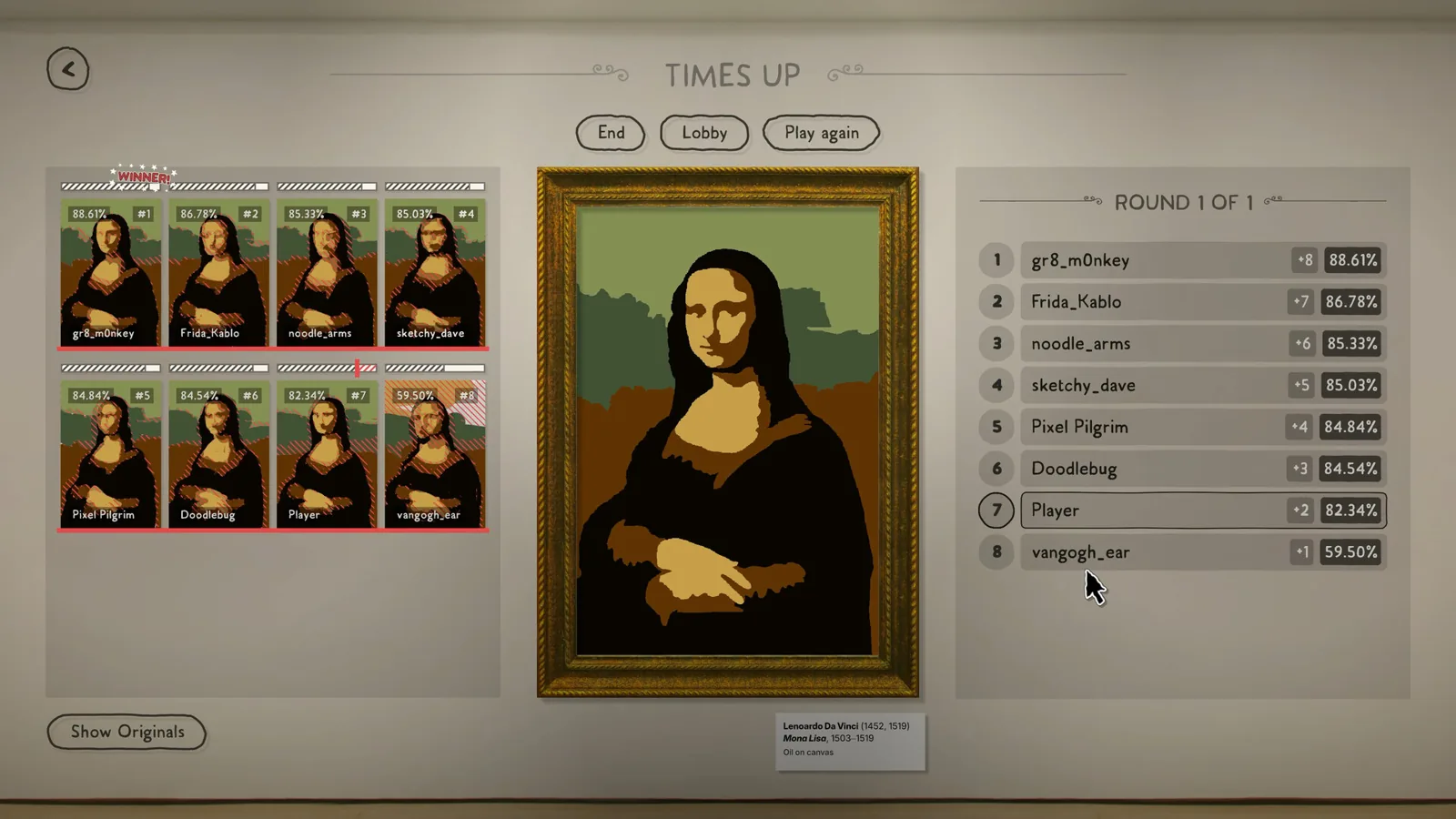
Choose one of the 50 abstracted masterpieces, then each player copies it with their own mouse while the pixel-by-pixel score updates in real time.
An alternative setup also exists: a July 2026 developer announcement confirms Wacom tablet support "for not only one, but two tablets," so two players can draw on two tablets at once instead of two mice.
If something does not work
These are general checks, not documented game behavior: confirm both mice are recognized by Windows, try different USB ports, and make sure you launched the game on Windows rather than through an emulation layer. For feature-specific problems, the developer's Discord (linked from their Steam announcements) is the direct line to Playful Systems.
Next steps
- Once your two-mice setup works, the optional multiplayer modifiers such as "Tiny Brush," "Upside Down," and "Pointillism" change the rules of local matches — see Sloppy Forgeries modifiers.
- If your group would rather play over the internet with join codes, the online mode details are covered in Sloppy Forgeries online.
- Single-player score chasing works differently from head-to-head play; compare it in Sloppy Forgeries leaderboards.
FAQ
Does Sloppy Forgeries have Sloppy Forgeries local multiplayer on one PC?
Yes. The developer confirmed on the Steam forums that the game ships with "local multiplayer (two mice)" alongside single player and online multiplayer with private lobbies, and the Steam store page lists the Mouse-v-Mouse mode with a *Windows Only note.
Do I need two copies of the game or extra software?
No. Both players share one computer and one copy; the only hardware requirement is an external mouse per player. Nothing in the official material mentions extra software for a second mouse.
Can I use drawing tablets instead of mice?
Yes, in pairs. A July 2026 Steam announcement from the developer confirms support for two Wacom tablets simultaneously, so two players can each use their own tablet.
Is the demo's local multiplayer the same as the full game's?
The store page presents the Mouse-v-Mouse mode as part of the same feature set the free demo and the full game share. Exact demo limits have not been documented, so treat any difference as unconfirmed.
Related guides for this game
Multiplayer Guides Index
Sloppy Forgeries Leaderboards: How Accuracy Is Ranked
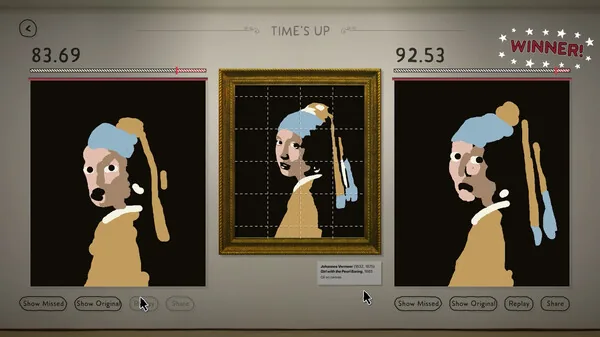
Sloppy Forgeries leaderboards rank the best accuracy score separately for each of the 50 paintings on Steam, with an in-game gallery of the top forgeries.
Sloppy Forgeries Modifiers – Full List and Effects
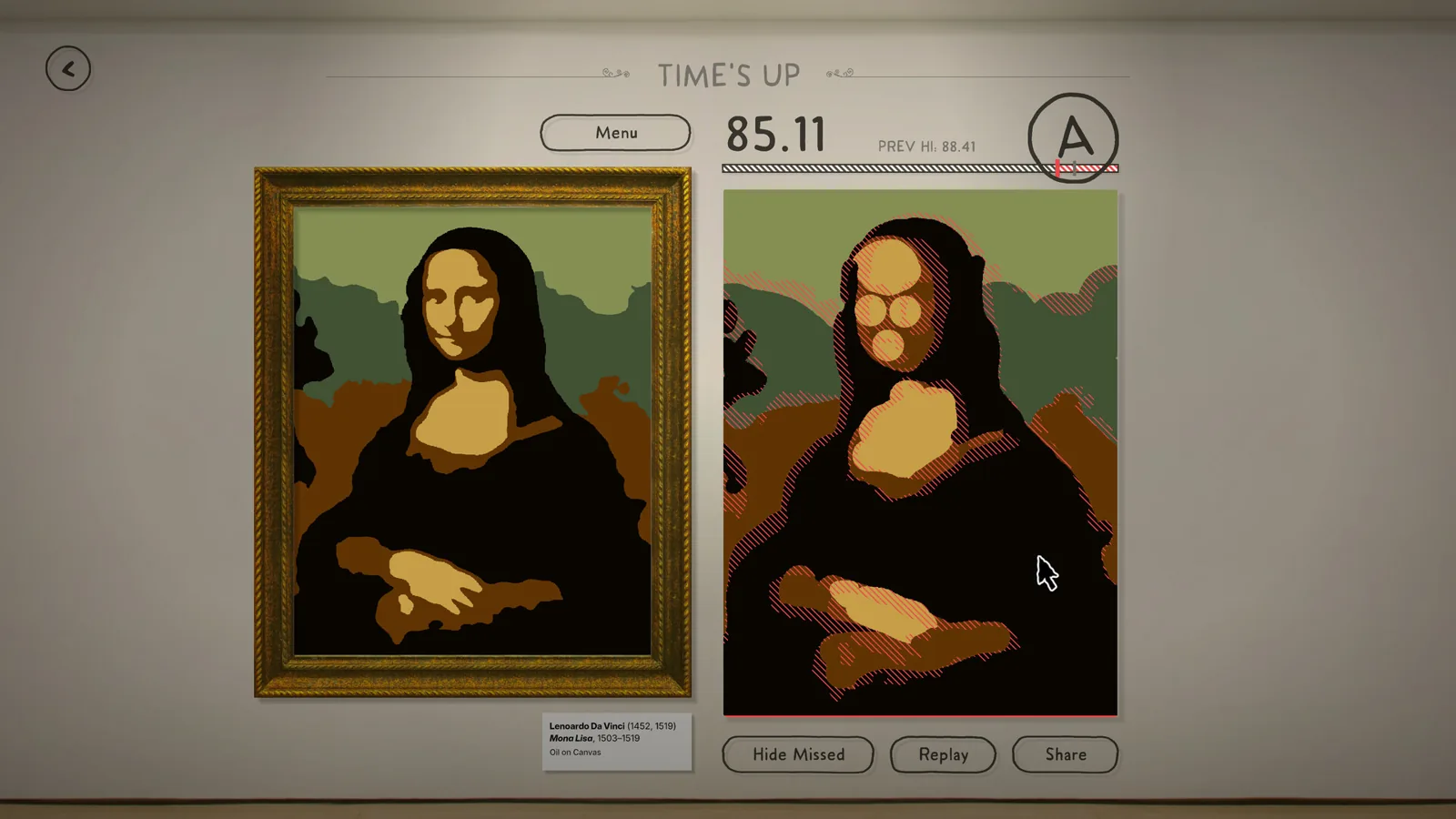
Sloppy Forgeries modifiers explained: the confirmed multiplayer modifiers Tiny Brush, Drawn and Quartered, Upside Down, and Pointillism, and what each does.
Sloppy Forgeries Online: Play With Friends Using Join Codes
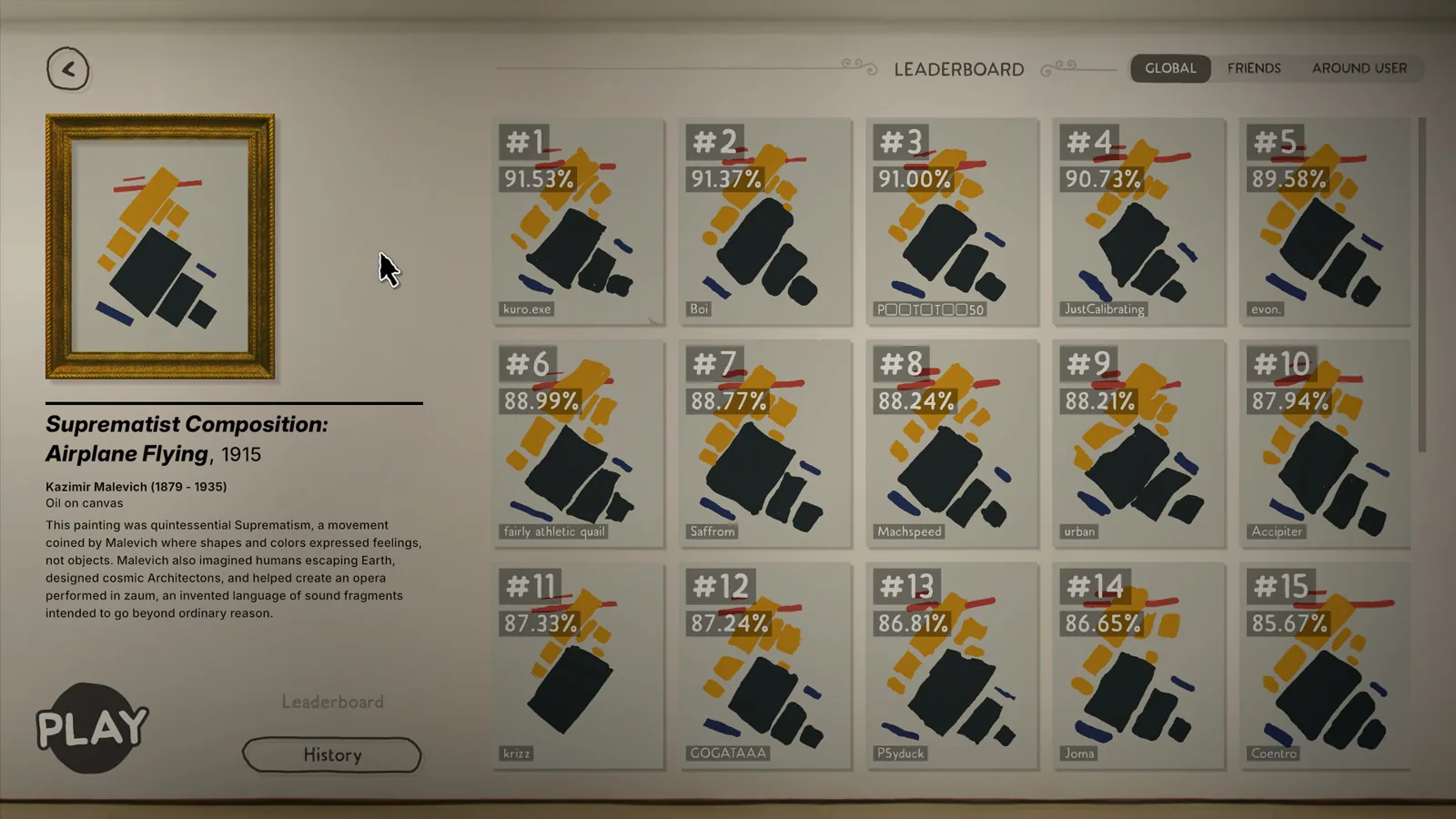
Sloppy Forgeries online multiplayer uses a join code to fill a lobby with up to 7 friends. Learn how lobbies work in the demo and full game.
Access Guides Index
Sloppy Forgeries Demo: How to Download It on Steam Page
A free Sloppy Forgeries demo is live on Steam. Find the demo download button on the game's store page, install it, and start copying famous paintings today.
Sloppy Forgeries Game Overview: What It Is and Key Features
The Sloppy Forgeries game is a competitive pixel-accuracy painting party game by Playful Systems, coming to Steam for Windows on Nov 13, 2026 with a free demo.
Sloppy Forgeries Price on Steam: No Cost Listed Yet for 2026
The Sloppy Forgeries price is not yet listed on Steam, but the free demo and Nov 13, 2026 release date tell you how to play it first and when to check.