
Sloppy Forgeries Assist Tools: Pins and Grids Explained
Quick answer
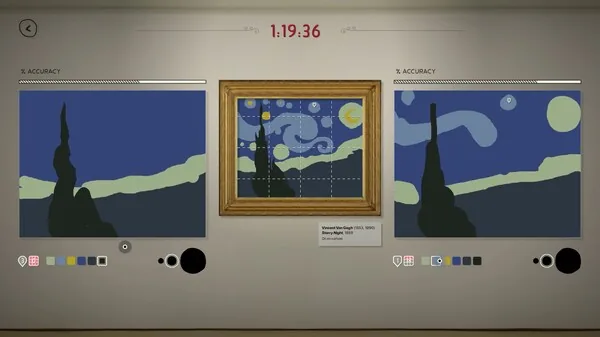
Assist tools in Sloppy Forgeries are time-limited tools that help you spot differences between your painting and the masterpiece you are copying, with pins and grids given as the examples. The description comes straight from the developer's feature list on the official Steam page, which lists Assist Tools as one of the core painting features alongside real-time feedback and keyboard shortcuts.
| What assist tools do | Time-limited tools that help you spot differences while paintingSloppy Forgeries on Steam |
|---|---|
| Named examples | Pins and gridsSloppy Forgeries on Steam |
| Release date | Nov 13, 2026 (planned)Official Steam store page: Sloppy Forgeries |
Sloppy Forgeries assist tools are time-limited pins and grids that help you spot differences while painting. Learn what they do and when to reach for them.
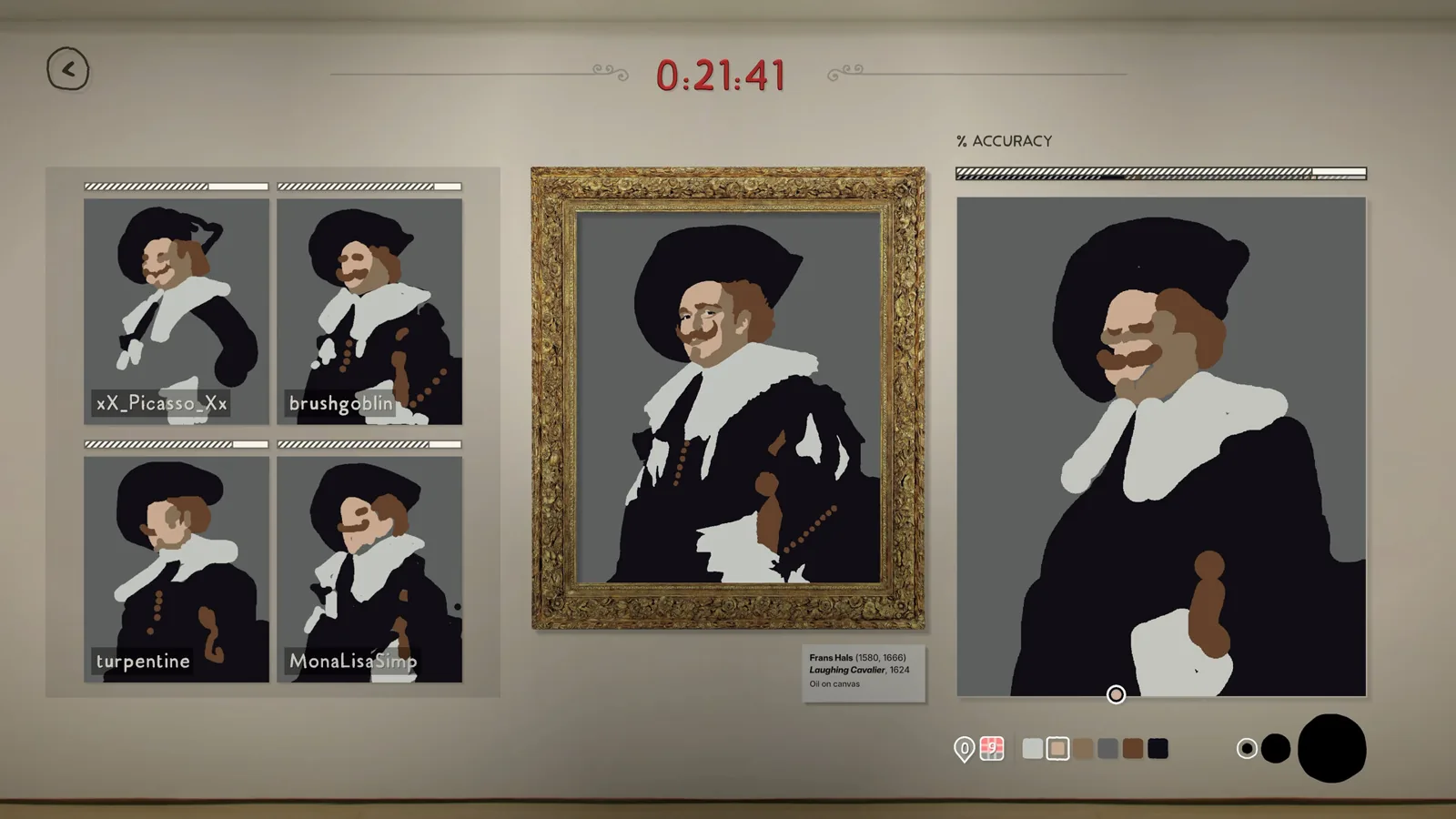
Table of Contents
Assist tools in Sloppy Forgeries are time-limited tools that help you spot differences between your painting and the masterpiece you are copying, with pins and grids given as the examples. The description comes straight from the developer's feature list on the official Steam page, which lists Assist Tools as one of the core painting features alongside real-time feedback and keyboard shortcuts.
What that means in play
Sloppy Forgeries scores you pixel-by-pixel in real time, and it deliberately strips away the safety nets you would expect from a drawing app: no undo, no fill, only 4-6 colors and three brush sizes. Against that backdrop, assist tools are the one category of help the game does give you. Because they are time-limited, they are meant as short bursts of awareness rather than a permanent overlay — you use them to catch a difference you are missing, not to paint with them switched on the whole round.
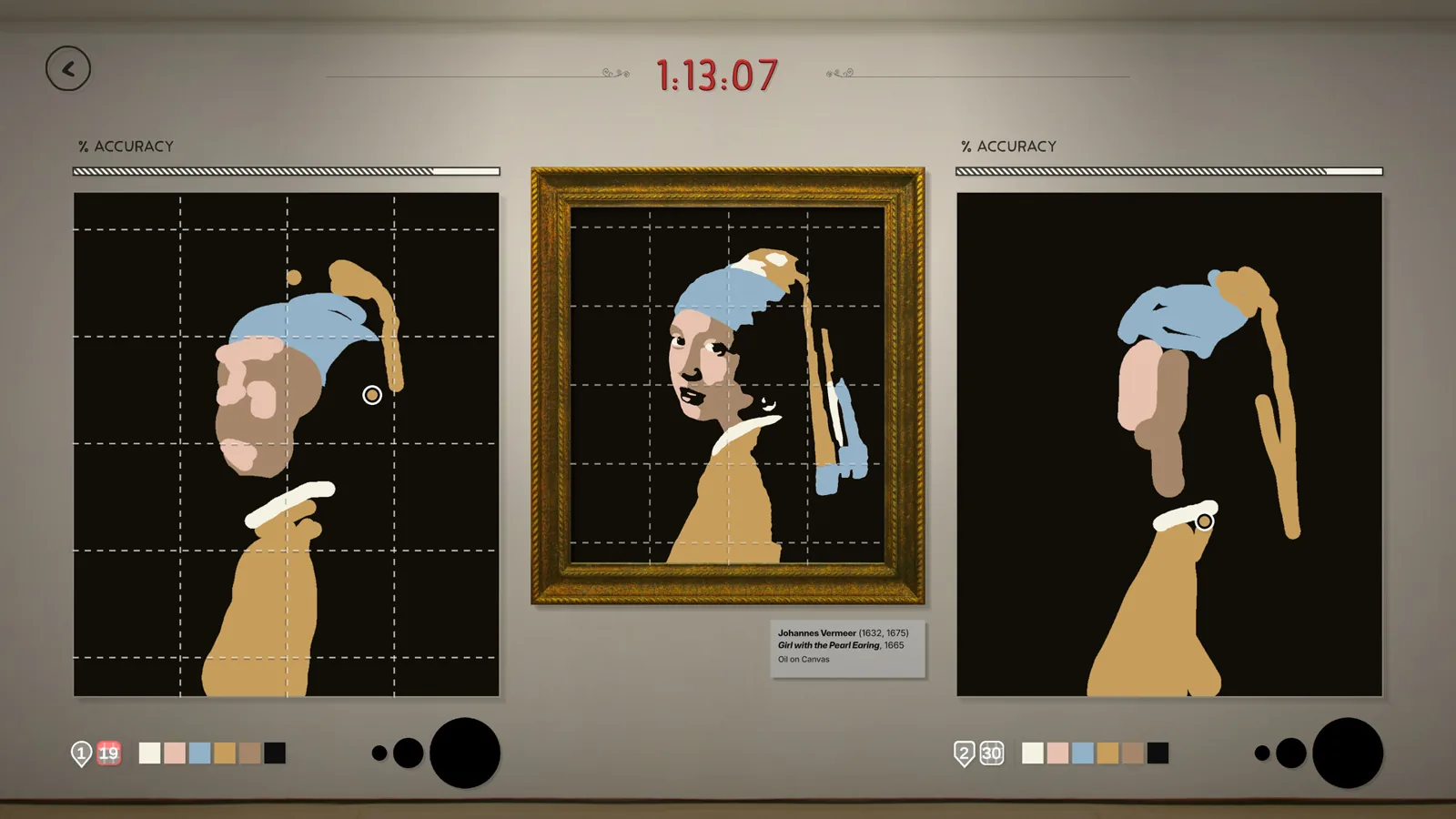
Pins and grids are the two examples the developer names. A grid-style tool suggests checking alignment and proportions — where elements of the painting sit relative to the whole canvas — while a pin-style tool suggests marking a specific spot you keep getting wrong so you can find it again. That reading of how each example is best used is our interpretation of the naming; the official material does not describe each tool's exact on-screen behavior.
When to use them
The material gives no activation button, duration, or score penalty for assist tools, and the game has no user reviews yet, so no first-hand player accounts exist either. What the official list implies about timing:
- They help you "spot differences," so they matter most when the accuracy bar stalls and you cannot see what is off in your forgery.
- Since they are time-limited, treat them as a resource to spend when you are stuck, not automatically every round.
- The free demo (demo update v.0.8.0, November 4, 2026) is the current way to test the tools yourself before the full release on November 13, 2026.
If you are new to the game's scoring loop, our upcoming pages on high score tips and single player progression will cover how tool use interacts with accuracy once the game launches and players have hands-on time with it.
Check note
This page was checked on 2026-11-09 against the official Steam store page and the developer's own site (playfulsystems.com/sloppy-forgeries/), which both describe assist tools in the same one-line way. The exact activation controls, tool durations, and any score cost remain unconfirmed, since no player has reviewed the game yet and no announcement details them.
Related guides for this game
Guide Guides Index
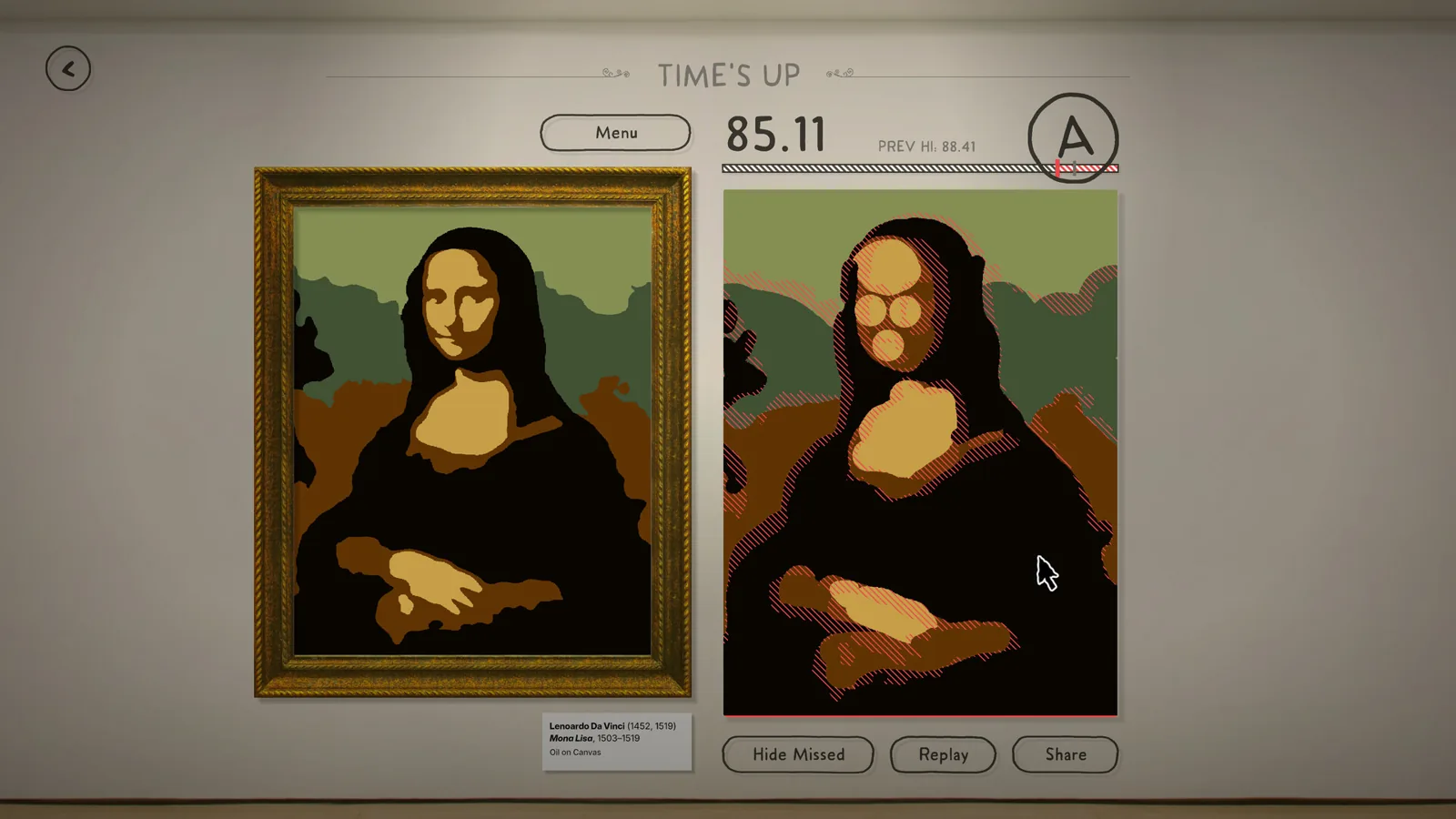
Sloppy Forgeries Grade S Rating Explained for Players
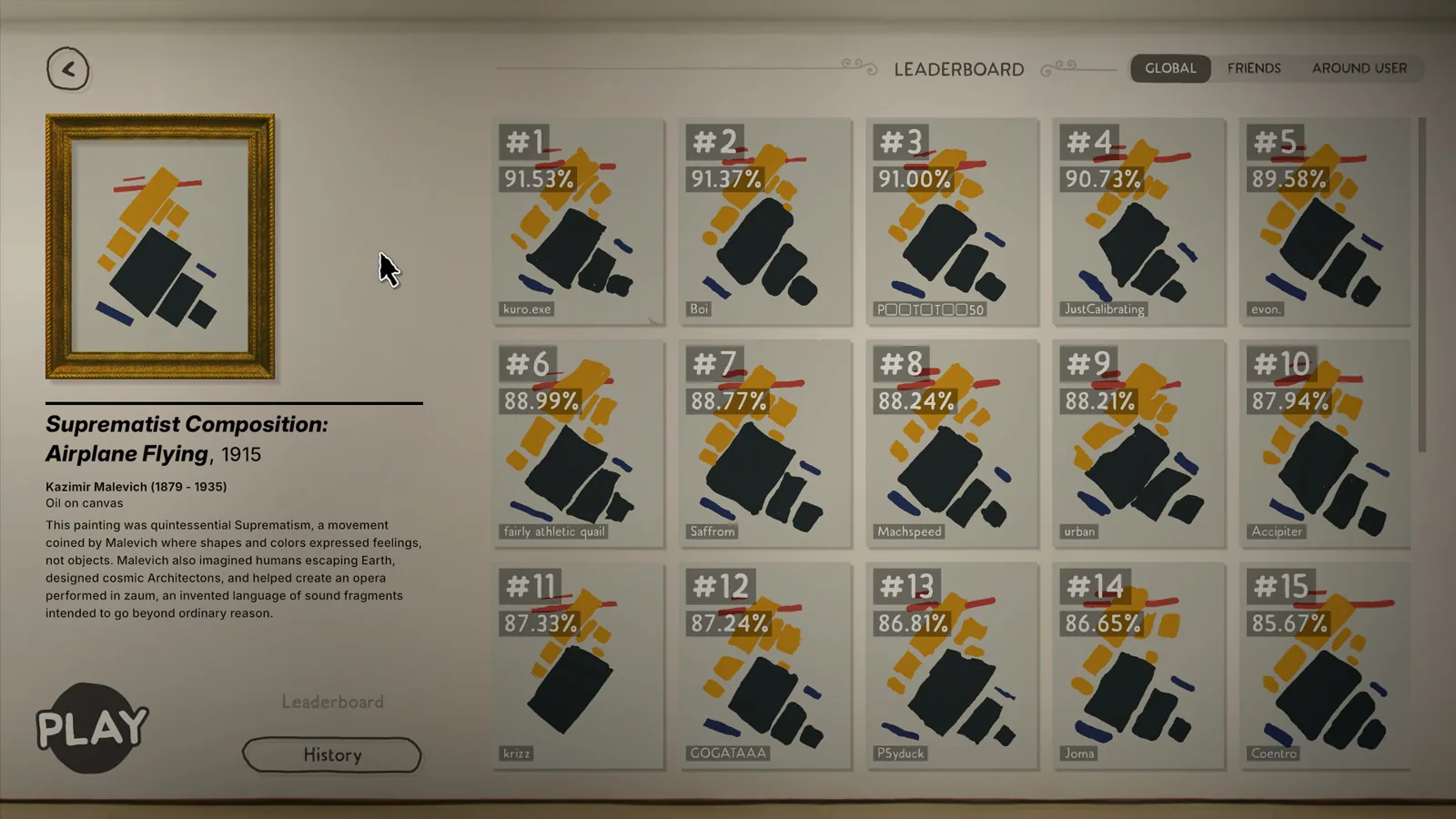
Sloppy Forgeries grade S rating explained: see what an S means, how it ranks above A, and the 93.40% pixel accuracy recorded in a demo run on the scale.
Sloppy Forgeries Single Player Progression and Badges Guide
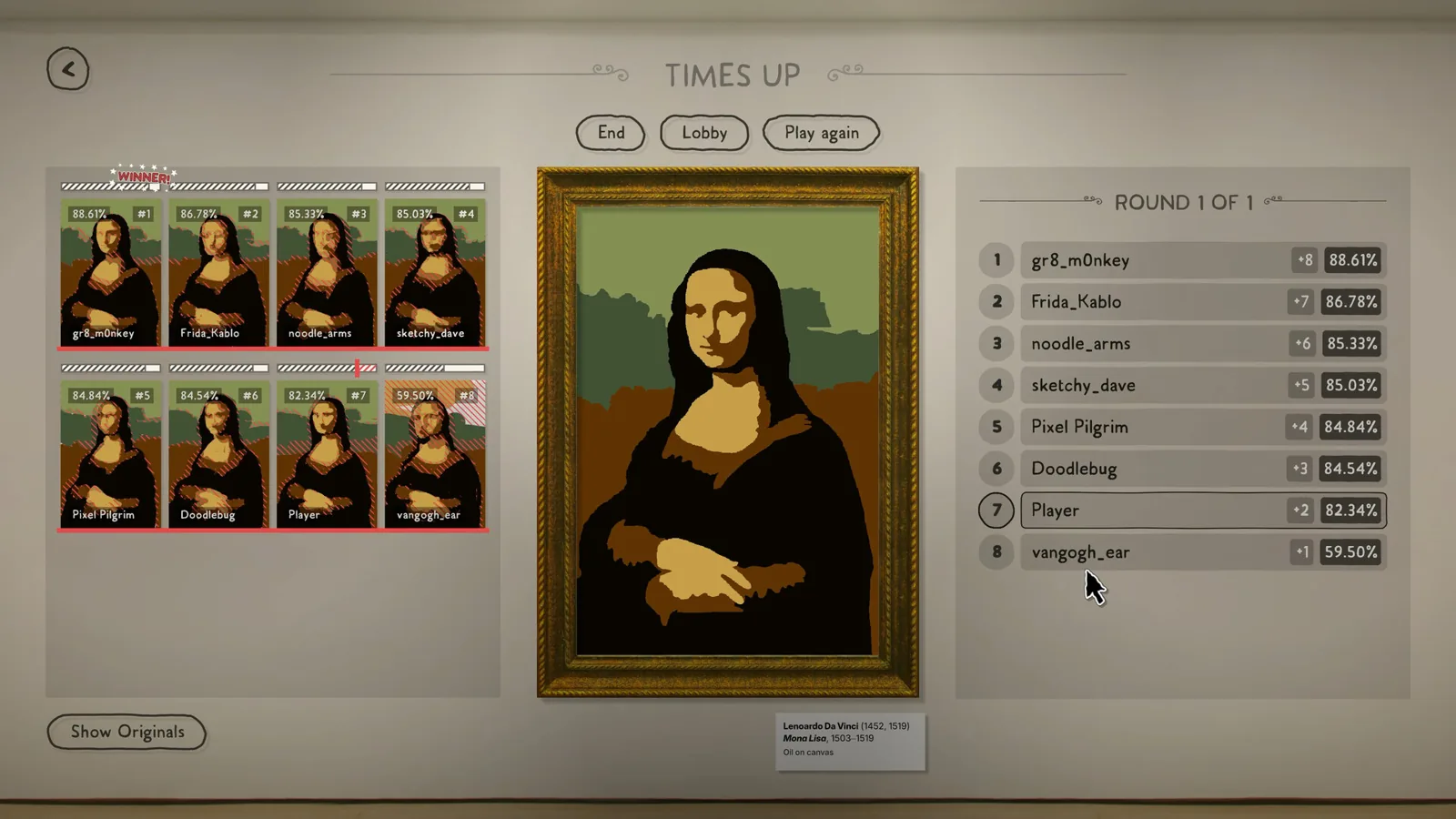
Sloppy Forgeries single player progression: earn a badge per collection by scoring C or better on all its paintings; Post-Impressionism earned Plausible.
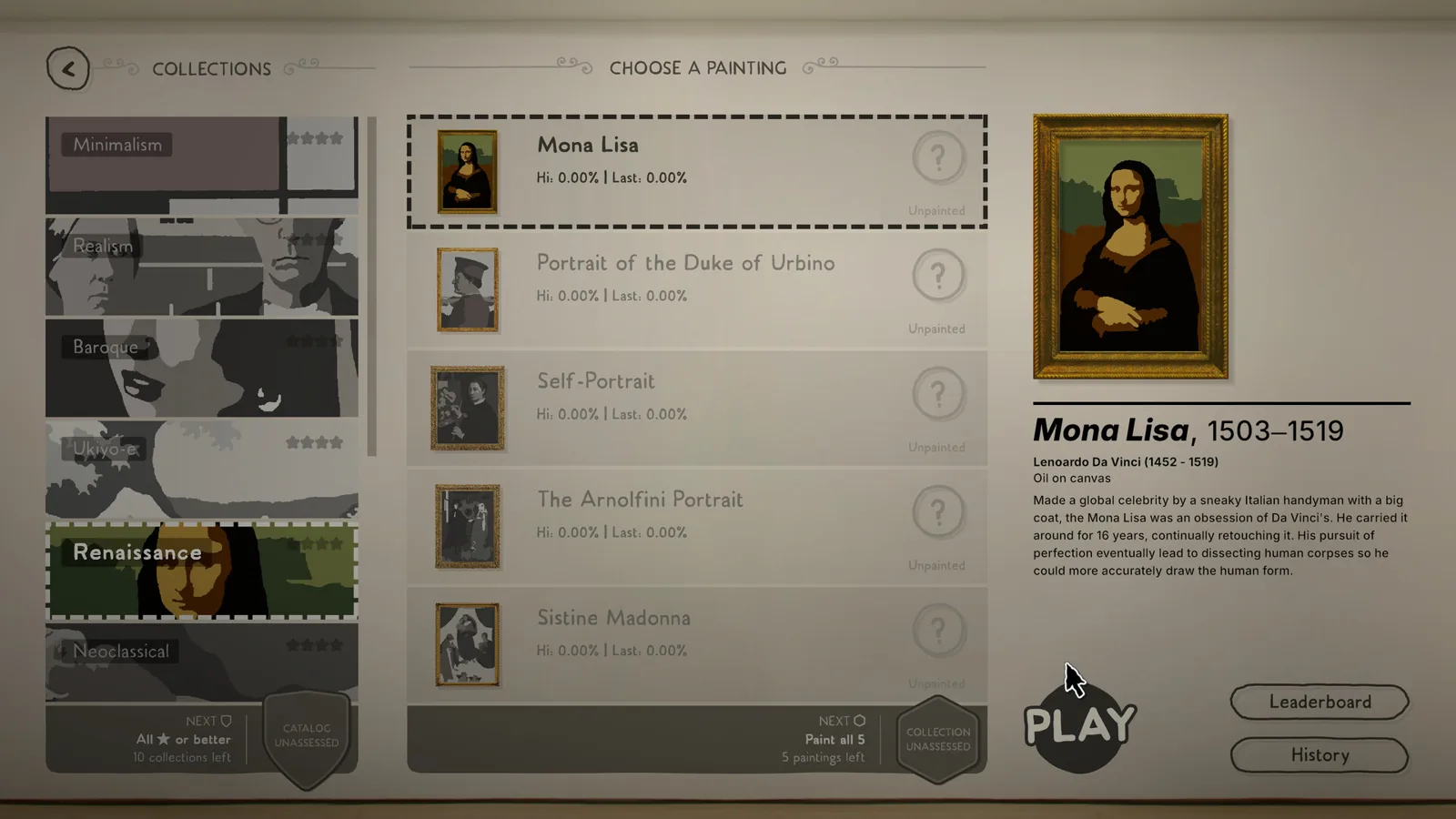
Sloppy Forgeries Badges: How to Earn Them in Single Player
How Sloppy Forgeries badges work: earn them by scoring a C or better across a collection, with four badge levels per collection plus a catalog badge.
Sloppy Forgeries Beginner Guide: How to Start Painting
This Sloppy Forgeries beginner guide: grab the free demo, learn the pixel-scoring painting loop and start forging your first masterpiece in three minutes.
Access Guides Index
Sloppy Forgeries Steam Page and Features Explained
Find the official Sloppy Forgeries Steam page, its planned Nov 13, 2026 unlock, and the Steam features the store page lists, from Online PvP to Leaderboards.
Sloppy Forgeries Game Overview: What It Is and Key Features
The Sloppy Forgeries game is a competitive pixel-accuracy painting party game by Playful Systems, coming to Steam for Windows on Nov 13, 2026 with a free demo.