
Sloppy Forgeries High Score Tips: Better Pixel Accuracy
Quick answer
The fastest way to raise your forgery score is to paint against the real-time score bar instead of your memory of the painting: the bar rises and falls with every pixel you lay down, so keep repainting weak regions while time remains rather than treating the run as one pass. Sloppy Forgeries scores you pixel-by-pixel in real time, and every mechanic on the official Steam page — limited brush sizes, no undo, no fill — is built around that measurement. The tips below are drawn from what the developer says each feature does; where a specific technique comes from community discussion rather than the developer, that is stated in the sentence.
| Scoring method | A score based on every pixel you paint, measured pixel-by-pixel in real-timeOfficial Steam store page: Sloppy Forgeries |
|---|---|
| Real-time feedback | See the score bar go up and down as you paintOfficial Steam store page: Sloppy Forgeries |
| Brush options | 3 brush sizes: medium, big, and too bigOfficial Steam store page: Sloppy Forgeries |
| Leaderboards | Steam Leaderboards for the best accuracy score per painting, with a gallery of the best forgeries in-gameOfficial Steam store page: Sloppy Forgeries |
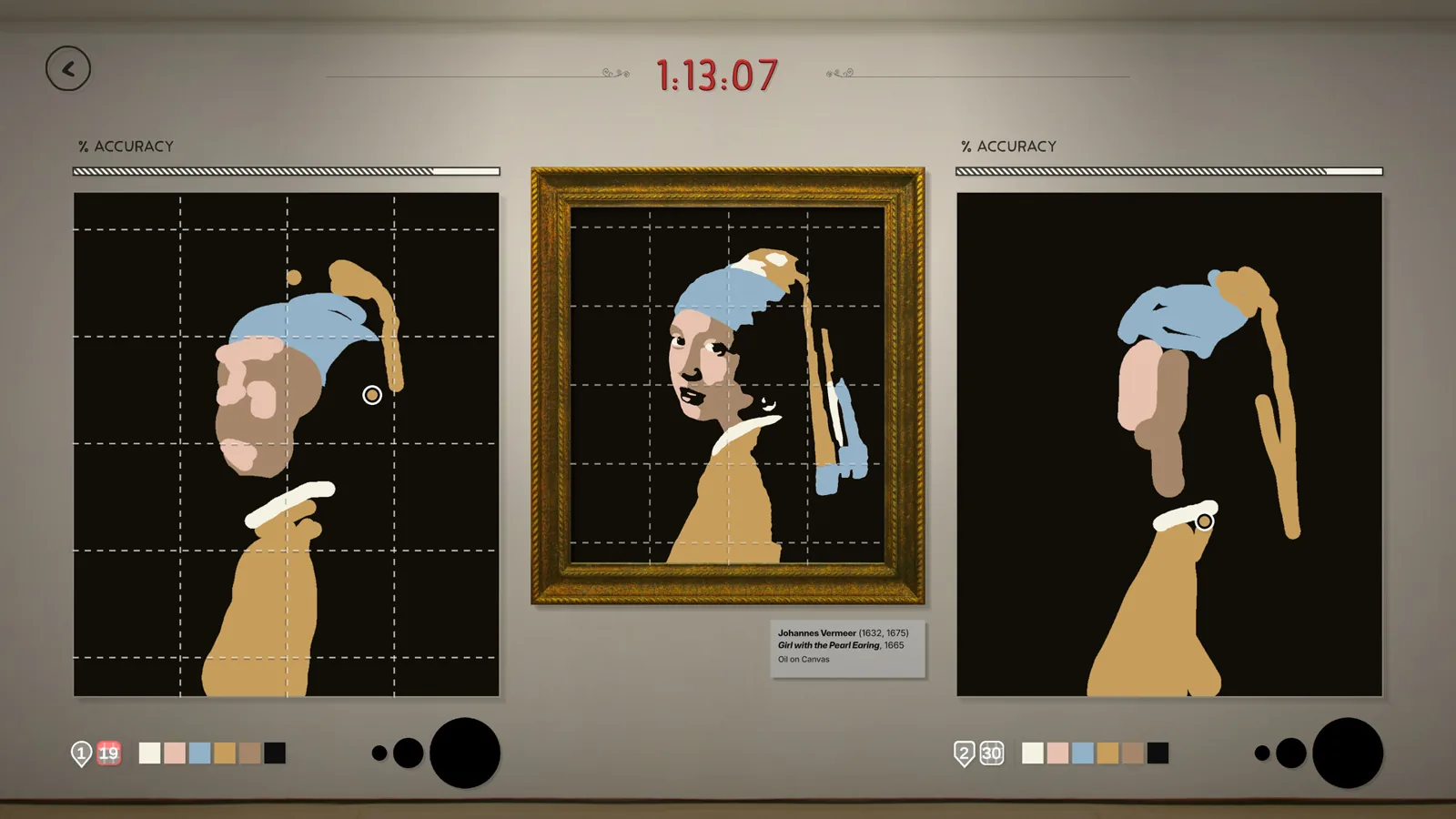
| Assist tools | Time-limited tools such as pins and grids to help spot differencesOfficial Steam store page: Sloppy Forgeries |
Sloppy Forgeries high score tips for improving pixel-accuracy forgery scores, covering scoring feedback, brush planning, assist tools and leaderboard practice.
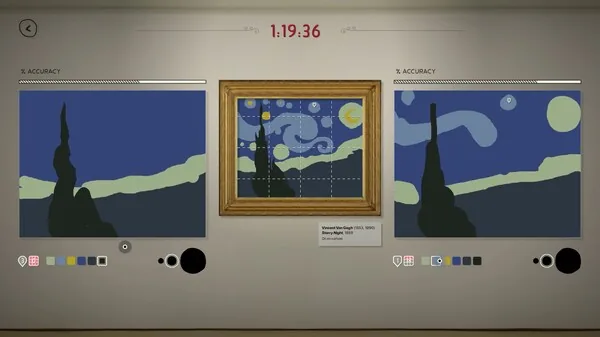
Table of Contents
The fastest way to raise your forgery score is to paint against the real-time score bar instead of your memory of the painting: the bar rises and falls with every pixel you lay down, so keep repainting weak regions while time remains rather than treating the run as one pass. Sloppy Forgeries scores you pixel-by-pixel in real time, and every mechanic on the official Steam page — limited brush sizes, no undo, no fill — is built around that measurement. The tips below are drawn from what the developer says each feature does; where a specific technique comes from community discussion rather than the developer, that is stated in the sentence.
How the score actually works
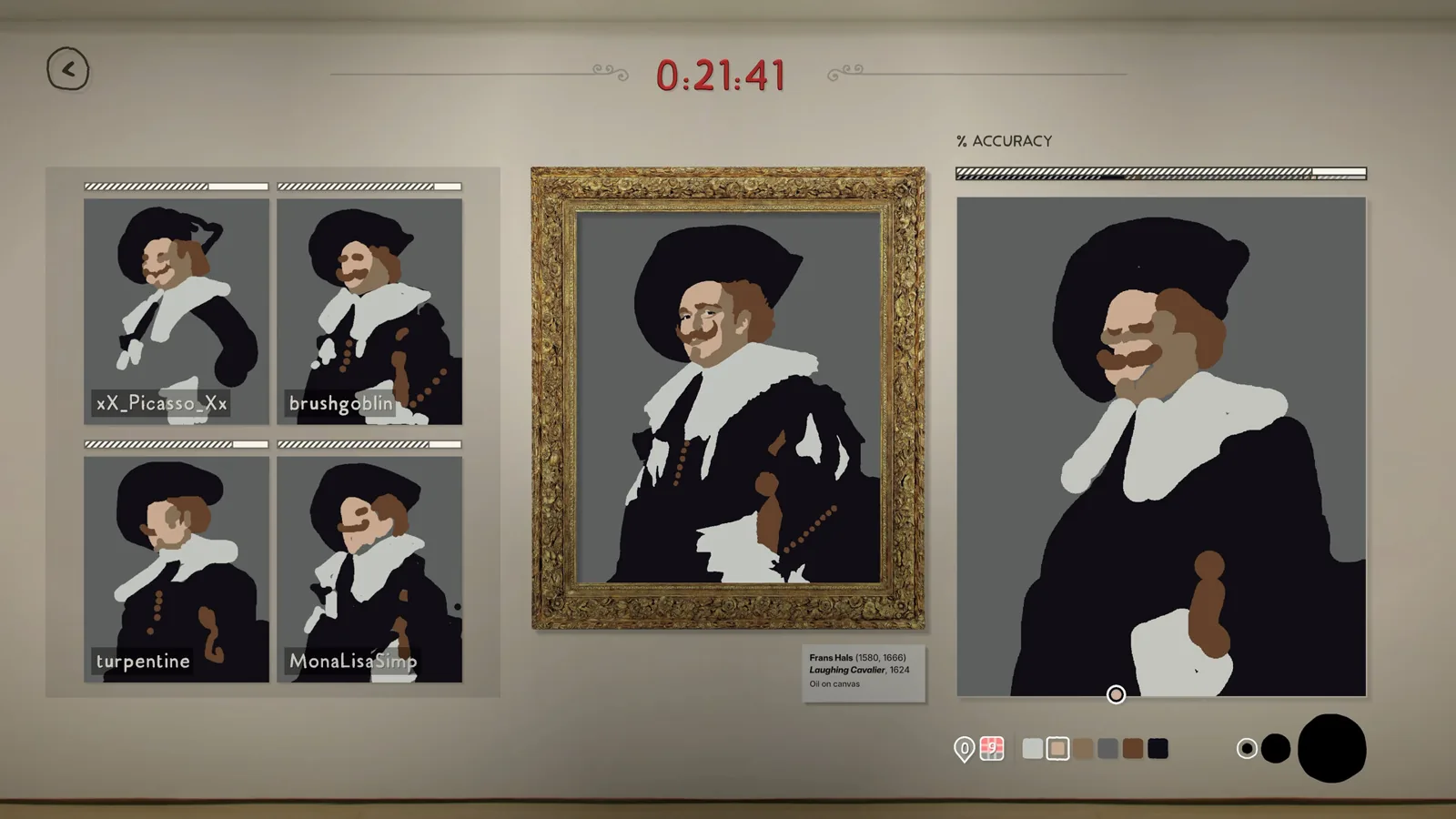
The game measures accuracy pixel-by-pixel in real time, so your score is not judged at the end — it exists continuously while you paint. The official page lists "Real-time Feedback: see bar go up and down as you paint," which means every stroke either helps or hurts immediately. This is the foundation of all high-score play: you always know where you stand, and you can always react to it before the timer runs out.
Two consequences follow directly from the pixel-based scoring and the toolkit the developer gives you:
- With only 4–6 colors per painting, every pixel you place in the wrong color is a pixel you must cover later with the right one — and there is no undo.
- With only 3 brush sizes ("medium, big, and too big"), large areas are cheap to fill and small details are expensive, so the brush you choose per stroke decides how much correction work you create.
Practical high score routine
Paint the background first, completely
The single-player build warns you if the background is not painted — the developer added this warning in the Demo Update v.0.8.0 (2026-11-04) precisely because players were skipping it. An unpainted background is a huge block of wrong pixels, and it is the easiest large area to clear early with a big brush.
Fill large color fields with the biggest brush you can tolerate
Use "big" or "too big" for open areas and the medium brush only near edges. Every pixel inside a large field is identical, so speed matters more than precision there. Precision is only worth spending where two colors meet.
Watch the score bar and react, don't just finish
Because feedback is real-time, treat the bar as your to-do list. If it dips or stalls after a section, that region is costing you — go back over it while time remains instead of moving on to "finish" the outline. Unconfirmed but consistent with the scoring description: players in the Steam community hub discussion thread report that covering errors with the correct color still recovers the pixels, so a late fix beats a skipped one.
Use assist tools to spot differences, spend them deliberately
Assist tools such as pins and grids are time-limited, per the official page. Use a grid early to place the main shapes correctly (a misplaced shape poisons many pixels), and save pins for the small features — faces, hands, signature areas — where your medium brush work has to be most accurate.
Replay, compare, and repeat the same painting
Each run produces a time-lapse replay of every stroke, and the Painting Archive keeps every forgery you make stored locally. Watching your replay shows exactly where you wasted strokes. The Masterpiece Catalog tracks your score and stats across all 50 paintings, so grinding one painting repeatedly is a supported, measurable way to climb.
Mechanics you must plan around
Sloppy Forgeries removes every safety net a drawing app normally has, and each removal changes how you should paint:
- No undo. A wrong stroke is permanent until you paint over it. Hesitate before committing the "too big" brush near a detailed area.
- No fill tool. Every background pixel must be painted by hand, which is why the background-first order matters so much — it is the single largest pixel block in most paintings.
- Three brush sizes only. There is no fine detail brush. Community members on the Steam hub have already asked the developer for smaller brushes ("Smaller Paint Brushes" discussion), and as of 2026-11-09 no smaller size has been added — so medium is the finest tool you have and edge work is the hard part of a high score.
- Keyboard shortcuts. The official page notes you can use keyboard shortcuts for "everything, most things, some things." Binding color and brush switching to keys means less cursor travel between palette and canvas — saved cursor travel is painting time, and painting time is pixels.
- Wacom tablet support. If you own a tablet, the developer added support for one or even two tablets simultaneously (announced 2026-07-31). An external mouse is required at minimum, but a tablet gives finer control for edge work.
Chasing the leaderboard
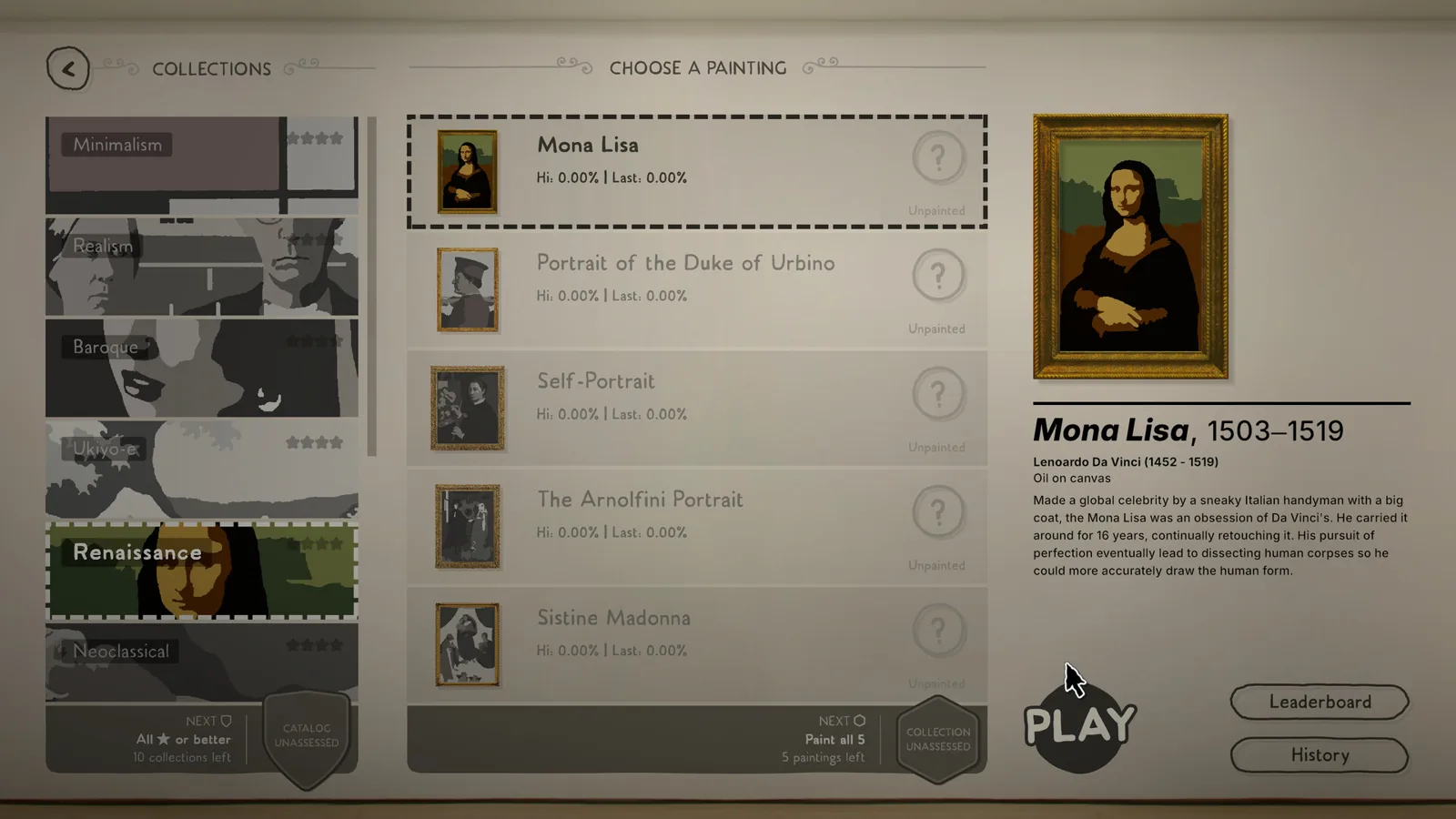
The Steam Leaderboards rank the best accuracy score per painting, and you can view an in-game gallery of the best forgeries. This makes leaderboard climbing concrete: pick one painting, run it, watch your replay, run it again. The single-player progression system (added 2026-08-14) reinforces this loop — scoring a C or better on every painting in a collection earns a badge such as "Plausible," and the game then tells you which paintings you need to improve for the next badge. There are four badge levels per collection plus a catalog-wide badge, so the game itself maps out your weak paintings for you.
Next steps
- The beginner guide covers the basics before you optimize for score — useful if the three-minute Mona Lisa is still beating you.
- The single player progression page explains the badge system referenced above in more detail.
- The Mona Lisa page breaks down the demo's flagship painting, which is the target most players grind for score.
FAQ
How do I get a high score in Sloppy Forgeries?
Paint the background first with the biggest brush, work from the real-time score bar rather than finishing one pass, use assist tools like grids and pins to place shapes and details correctly, and replay the same painting repeatedly while watching your time-lapse replay for wasted strokes.
Is there an undo or fill tool?
No. The developer's official description is explicit: no undo and no fill. Every pixel must be painted by hand, and mistakes can only be corrected by painting over them with the right color.
How do the brush sizes affect my score?
You get three sizes — medium, big, and too big — with no finer option. Big brushes fill large fields fast but wreck edges; medium is the most precise tool available, so spend it on the areas where detail pixels cluster.
Where can I compare my score against others?
Steam Leaderboards rank the best accuracy score per painting, and the game shows an in-game gallery of the best forgeries so you can see how the top scores were painted.
Check note: feature and scoring descriptions come from the official Steam store page and the developer's announcements on the Steam Community hub (checked 2026-11-09). The community-reported claims here — that repainting recovers pixels, and the request for smaller brushes — come from player discussion on that hub and remain unconfirmed by the developer.
Related guides for this game
Guide Guides Index
Sloppy Forgeries Assist Tools: Pins and Grids Explained
Sloppy Forgeries assist tools are time-limited pins and grids that help you spot differences while painting. Learn what they do and when to reach for them.
Sloppy Forgeries Badges: How to Earn Them in Single Player
How Sloppy Forgeries badges work: earn them by scoring a C or better across a collection, with four badge levels per collection plus a catalog badge.
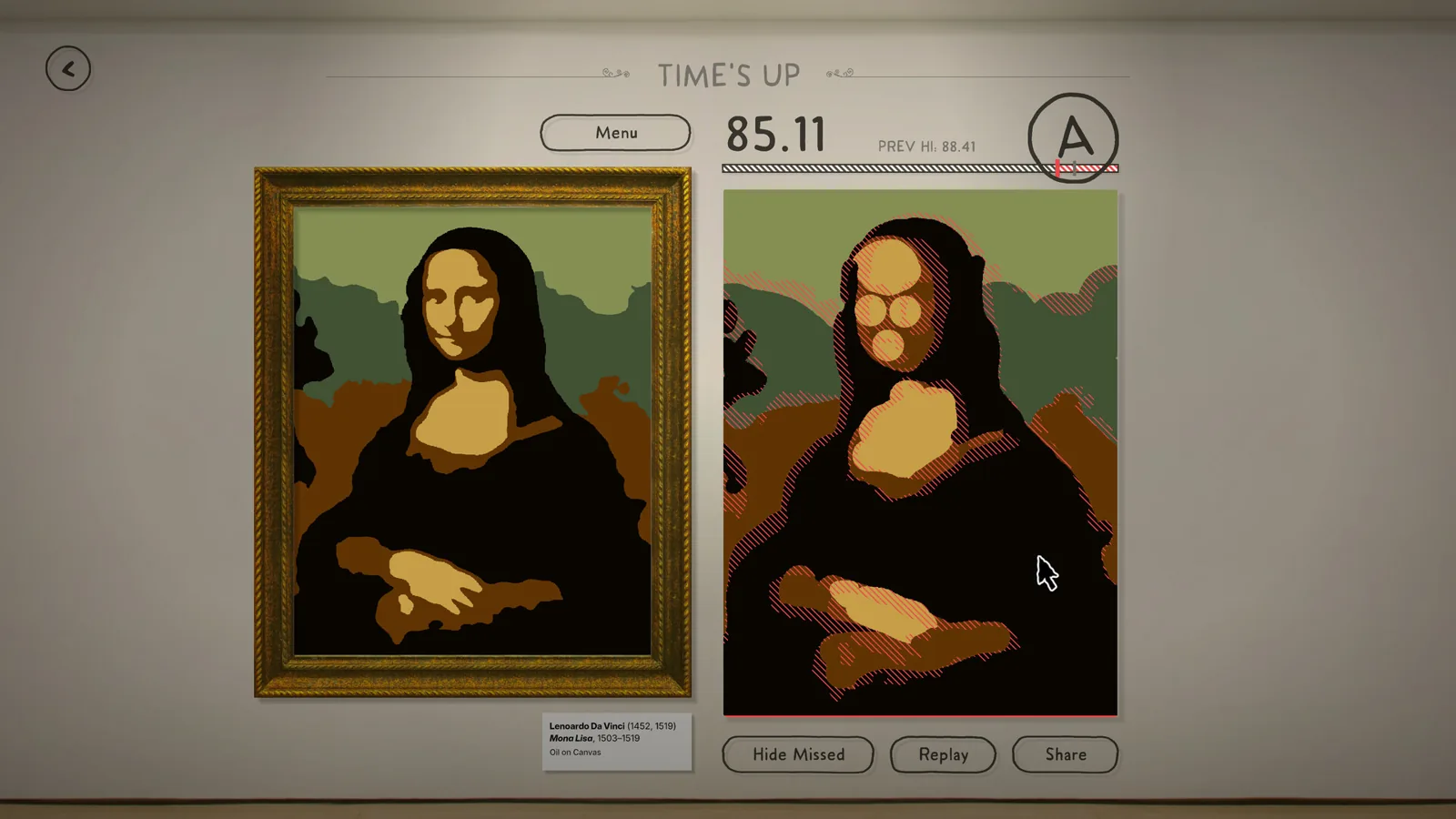
Sloppy Forgeries Beginner Guide: How to Start Painting
This Sloppy Forgeries beginner guide: grab the free demo, learn the pixel-scoring painting loop and start forging your first masterpiece in three minutes.
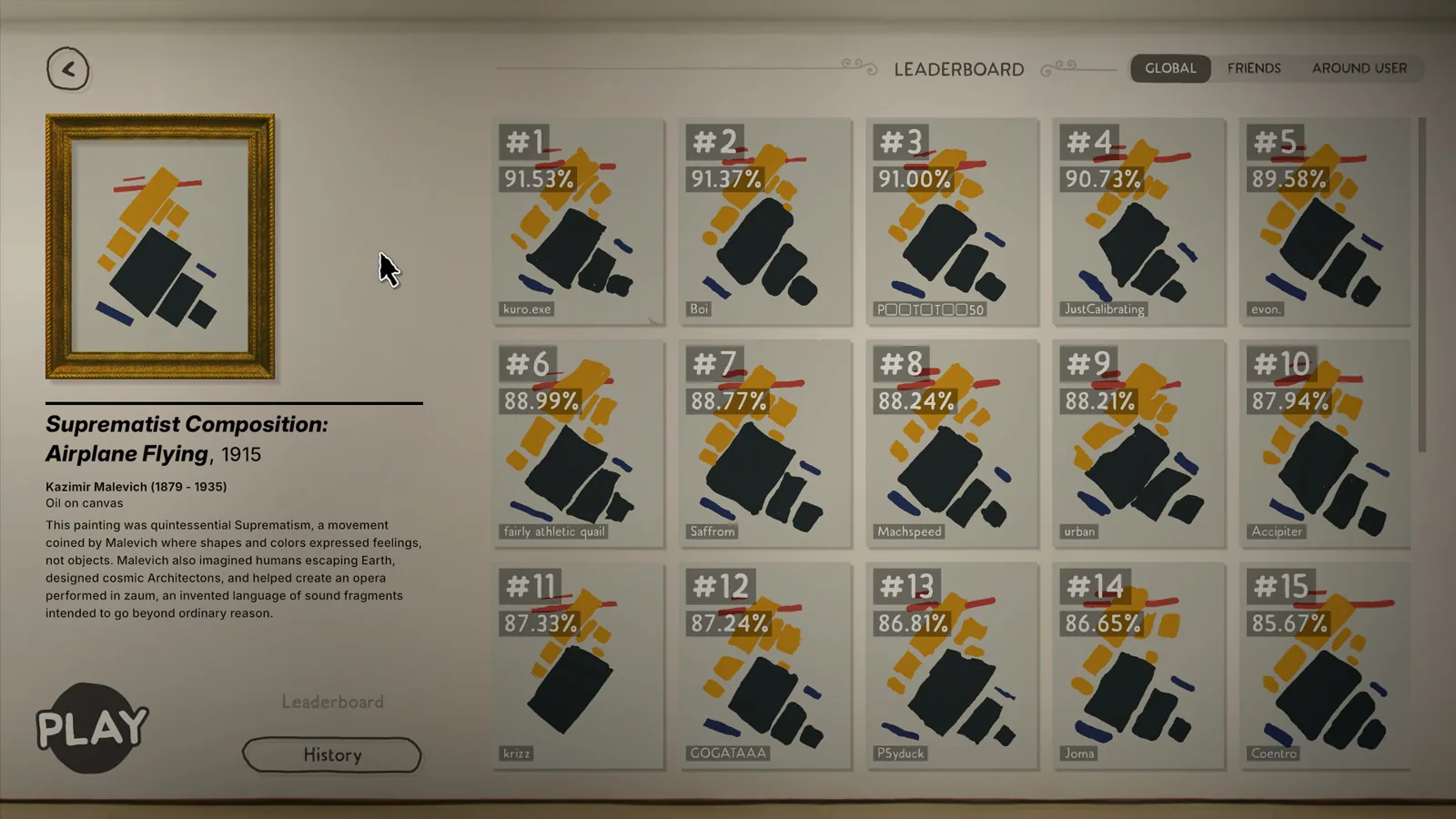
Sloppy Forgeries Grade S Rating Explained for Players
Sloppy Forgeries grade S rating explained: see what an S means, how it ranks above A, and the 93.40% pixel accuracy recorded in a demo run on the scale.
Multiplayer Guides Index
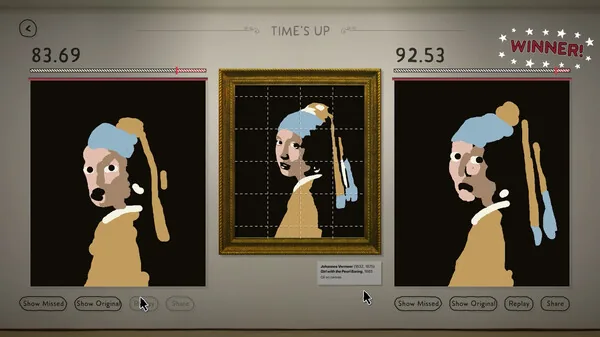
Sloppy Forgeries Leaderboards: How Accuracy Is Ranked
Sloppy Forgeries leaderboards rank the best accuracy score separately for each of the 50 paintings on Steam, with an in-game gallery of the top forgeries.
Access Guides Index
Sloppy Forgeries Demo: How to Download It on Steam Page
A free Sloppy Forgeries demo is live on Steam. Find the demo download button on the game's store page, install it, and start copying famous paintings today.