
Sloppy Forgeries System Requirements: Can Your PC Run It?
Quick answer
Sloppy Forgeries runs on a 64-bit Windows PC with an Intel Core i3 Dual Core or better, 4 GB of RAM, an NVIDIA Geforce GTS 450 or AMD equivalent, and 500 MB of free storage — but you must have an external mouse. Those are the minimum system requirements listed on the official Steam page, checked on 2026-11-09. Any laptop or desktop from roughly the last decade should clear this bar easily.
| Minimum OS | Windows 7 64 bitSloppy Forgeries on Steam |
|---|---|
| Minimum CPU / RAM | Intel Core i3 Dual Core, 4 GB RAMSloppy Forgeries on Steam |
| Minimum GPU / Storage | NVIDIA Geforce GTS 450 or AMD equivalent, 500 MB available spaceSloppy Forgeries on Steam |
| Recommended | Windows 10 64 bit, Intel Core i5–i7 Quad Core, 16 GB RAM, NVIDIA Geforce GTX 750Ti or AMD equivalent, 500 MBSloppy Forgeries on Steam |
| Required peripheral | External mouse (both tiers)Sloppy Forgeries on Steam |
The complete Sloppy Forgeries system requirements from the official Steam page, so you can check whether your PC meets the minimum specs to run the game.

Table of Contents
Sloppy Forgeries runs on a 64-bit Windows PC with an Intel Core i3 Dual Core or better, 4 GB of RAM, an NVIDIA Geforce GTS 450 or AMD equivalent, and 500 MB of free storage — but you must have an external mouse. Those are the minimum system requirements listed on the official Steam page, checked on 2026-11-09.
Any laptop or desktop from roughly the last decade should clear this bar easily. The game itself is small — 500 MB — so storage is rarely the deciding factor; the mouse requirement matters more, since the whole game is about pixel-accurate mouse painting.
Full requirements table
| Spec | Minimum | Recommended |
|---|---|---|
| OS | Windows 7 64 bit | Windows 10 64 bit |
| Processor | Intel Core i3 Dual Core | Intel Core i5–i7 Quad Core |
| Memory | 4 GB RAM | 16 GB RAM |
| Graphics | NVIDIA Geforce GTS 450 or AMD equivalent | NVIDIA Geforce GTX 750Ti or AMD equivalent |
| Storage | 500 MB available space | 500 MB available space |
| Additional notes | Must have an external mouse | Must have an external mouse |
Both tiers require a 64-bit processor and operating system. The store description marks the Mouse-v-Mouse local multiplayer feature "*Windows Only" — two mice on one PC for head-to-head painting is a Windows exclusive.
How to check your PC
Confirm your OS is 64-bit Windows
Press Win+Pause (or Settings > System > About) and look at "System type". You need a 64-bit operating system; Windows 7 is the minimum and Windows 10 is recommended.Check CPU and RAM
In the same About panel, compare your processor against the Intel Core i3 Dual Core minimum and your installed RAM against 4 GB (16 GB recommended).Check your graphics card
Press Win+R, type dxdiag, and open the Display tab to see your GPU. An NVIDIA Geforce GTS 450 or AMD equivalent meets the minimum; a GTX 750Ti or AMD equivalent matches the recommended tier.Confirm 500 MB free and a mouse plugged in
Make sure you have at least 500 MB of available storage. The requirements explicitly state an external mouse is required, so a laptop trackpad alone won't cut it.
Windows-only notes
The Steam page lists Windows as the only platform as of 2026-11-09. Wacom tablet support was added to the demo in July 2026, so a tablet can substitute for mouse input in supported modes. Steam Deck compatibility currently shows as "Unknown" on the store page, so don't count on it running there. If you use a drawing tablet, see the Wacom tablet support page for details.
FAQ
Can it run on a laptop?
Yes, if the laptop is 64-bit Windows with at least a Core i3-class dual-core CPU, 4 GB RAM, and a GPU around a Geforce GTS 450 level — plus an external mouse.
Do I need a discrete graphics card?
Something at or above a NVIDIA Geforce GTS 450 (or AMD equivalent) meets the minimum, so a very old integrated GPU may struggle; a GTX 750Ti or equivalent matches the recommended tier.
How much storage does Sloppy Forgeries need?
Just 500 MB of available space, in both the minimum and recommended tiers.
Does the game support Mac or Linux?
No. As of 2026-11-09, the official Steam page lists Windows as the only platform, even though festival listings have described the game for PC at exhibitions.
This page was checked against the official Steam store page (requirements, platform list, and demo notes) and the developer's Playful Systems site on 2026-11-09. The requirements are developer-posted but the game is not yet released (planned for Nov 13, 2026), so real-world performance beyond these specs is unconfirmed until launch.
Related guides for this game
Support Guides Index
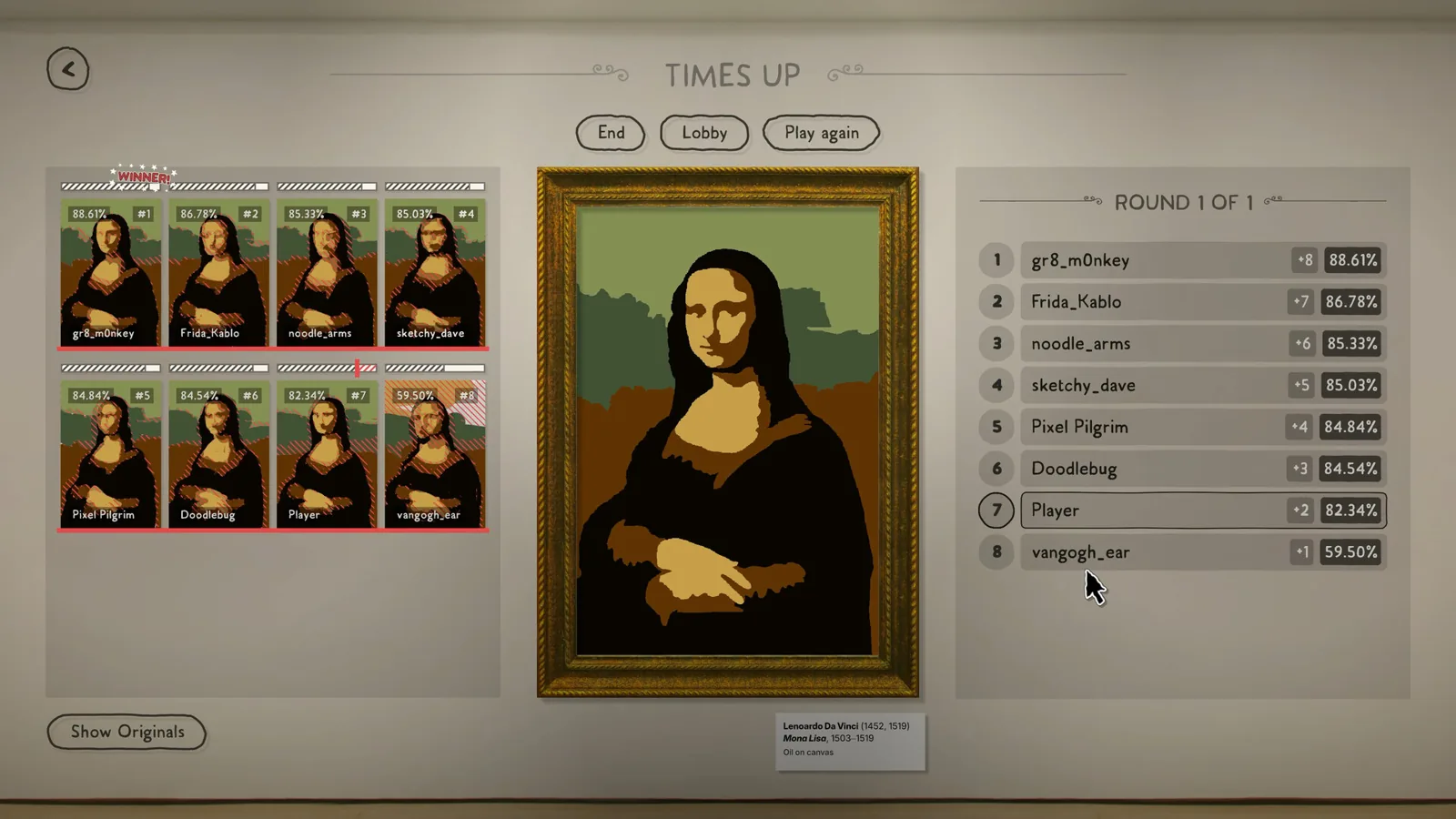
Sloppy Forgeries Mouse Movement Fix: Aspect Ratio Bug
The Sloppy Forgeries mouse movement fix is demo v0.8.0: update the demo, or play at 16:9 to avoid stretched strokes on ultrawide and portrait displays.
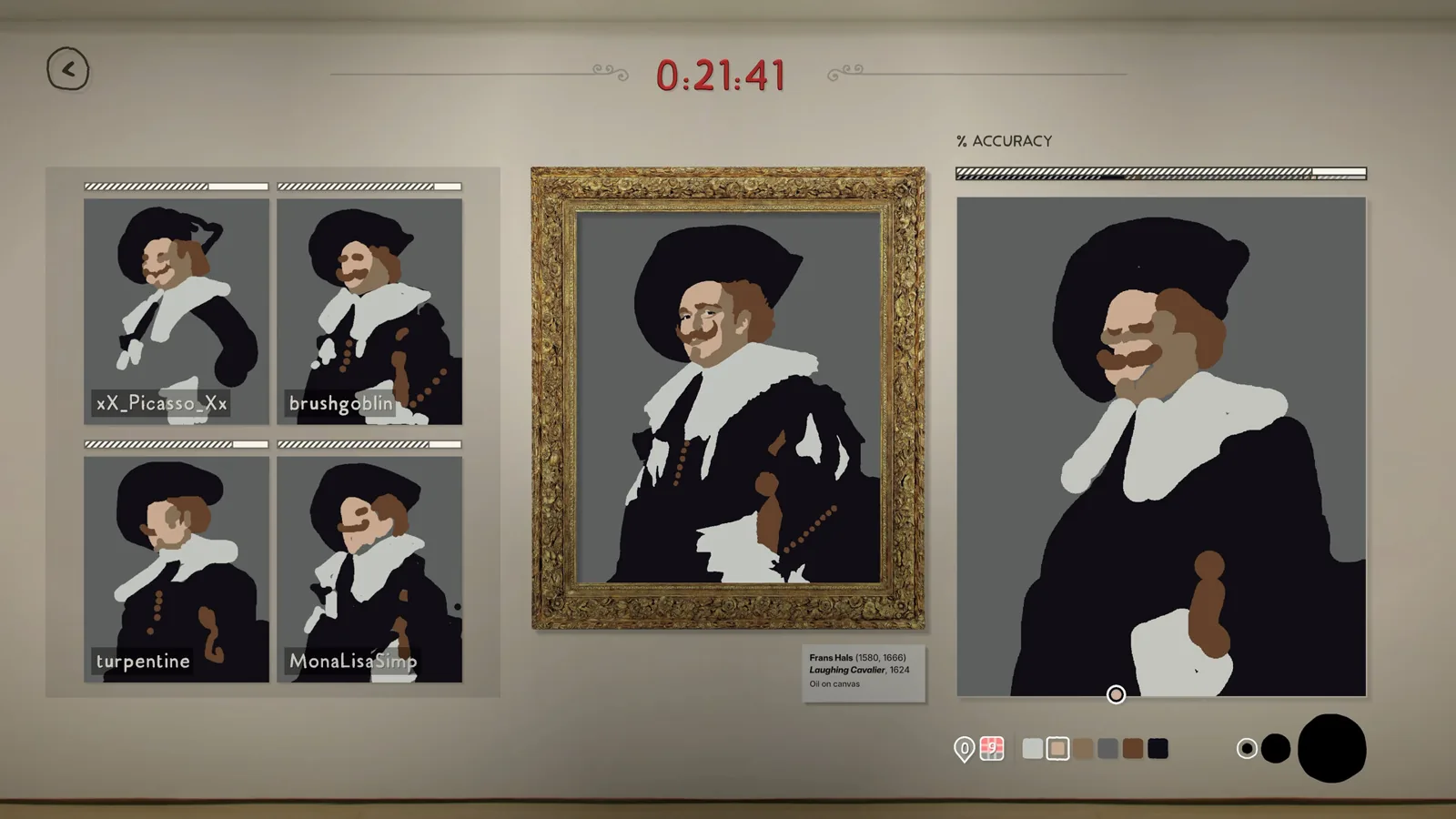
Sloppy Forgeries Wacom Tablet Support: How It Works
Does Sloppy Forgeries wacom tablet support exist? Yes—developer Playful Systems announced it on Steam, and you can use two Wacom tablets at the same time.
Guide Guides Index
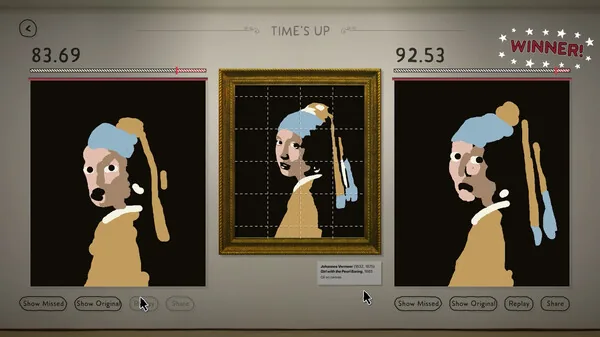
Sloppy Forgeries Plausible Badge Requirements Guide
The Sloppy Forgeries Plausible badge is earned by scoring a C grade or better on every painting in one single player collection. Here is how it works.
Paintings Guides Index
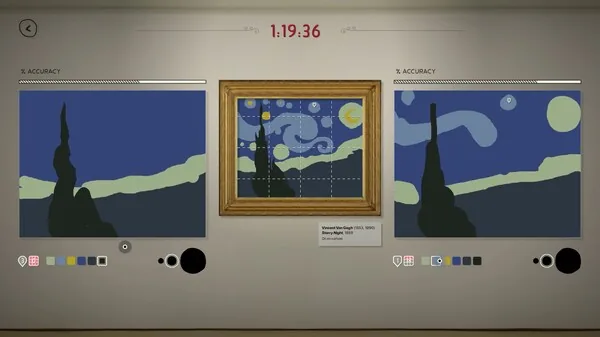
Sloppy Forgeries painting archive: where your art is stored
The Sloppy Forgeries painting archive stores every forgery you make locally on your PC. Here is what it does and what players should know before launch.
Platforms Guides Index
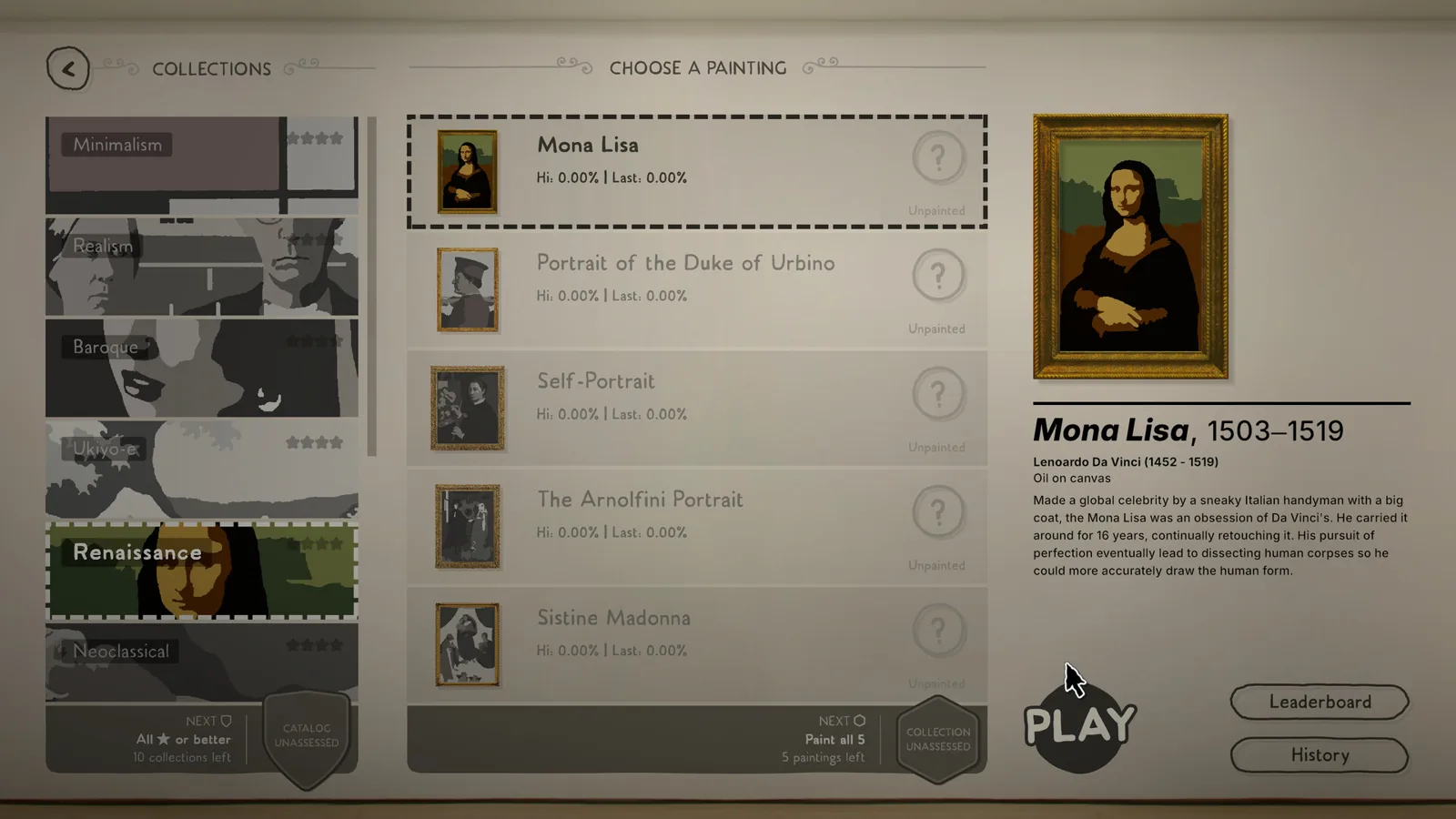
Sloppy Forgeries Mobile: Can You Play on Phones and Tablets?
Sloppy Forgeries mobile support explained: what the official Steam page lists as of 2026-11-09 and whether a phone or tablet version exists today.
Access Guides Index
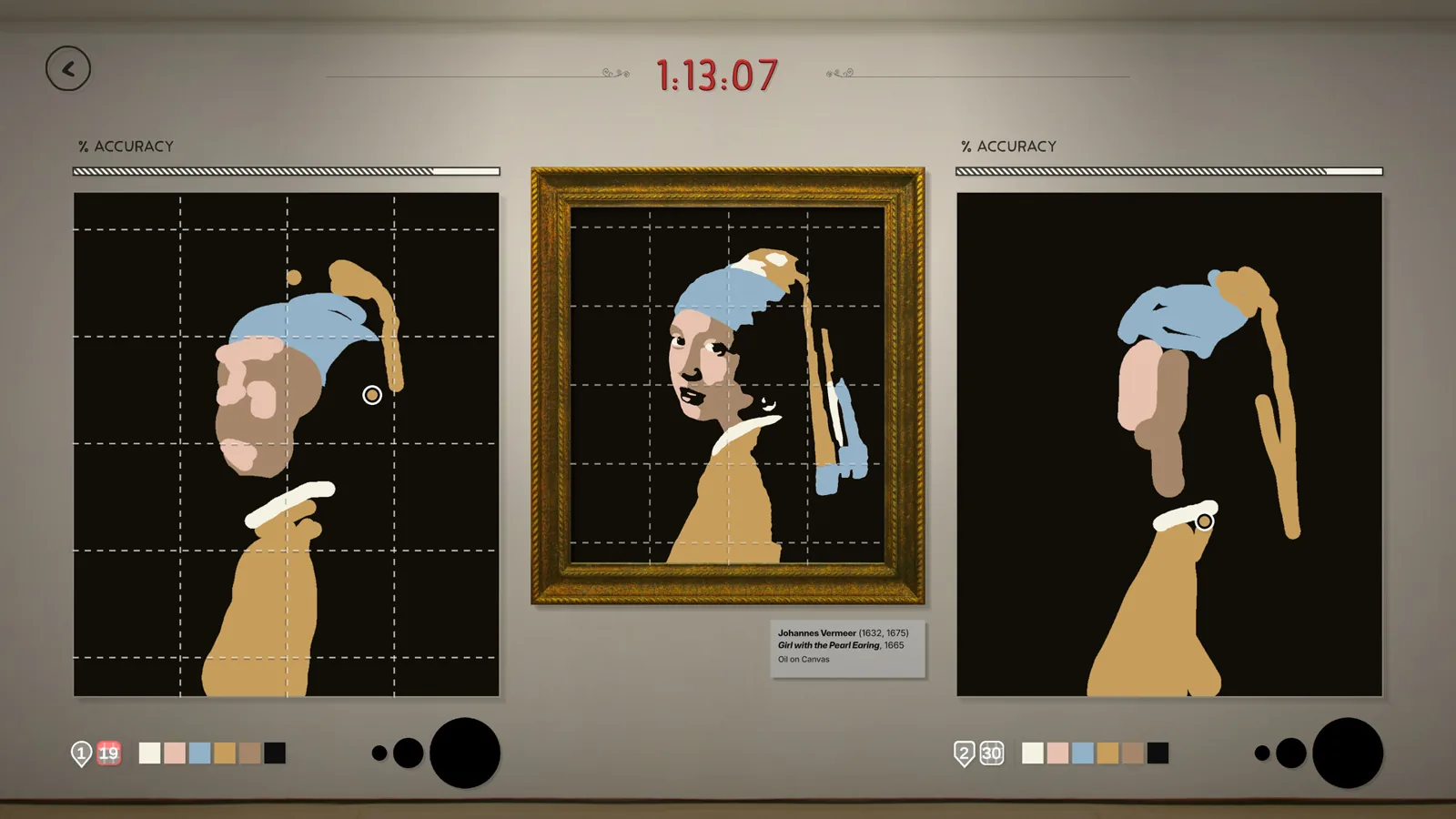
Sloppy Forgeries Demo: How to Download It on Steam Page
A free Sloppy Forgeries demo is live on Steam. Find the demo download button on the game's store page, install it, and start copying famous paintings today.