
Sloppy Forgeries Wacom Tablet Support: How It Works
Quick answer
Yes, Sloppy Forgeries supports Wacom tablets, and you can even use two at the same time. The developer, Playful Systems, announced Wacom tablet support in a Steam news post on July 31, 2026, and the official Steam page now lists "Wacom Tablet Support" among the game's painting features, noting you can "use a tablet... or two... at once."
| Wacom support announced | Official Steam news post, July 31, 2026Wacom Tablet Support! - Steam News |
|---|---|
| Tablets supported at once | One or two tablets simultaneouslySloppy Forgeries on Steam |
| Platform | Windows only (Steam, coming Nov 13, 2026)Sloppy Forgeries on Steam |
| Mouse requirement | External mouse required per system requirementsSloppy Forgeries on Steam |
Does Sloppy Forgeries wacom tablet support exist? Yes—developer Playful Systems announced it on Steam, and you can use two Wacom tablets at the same time.
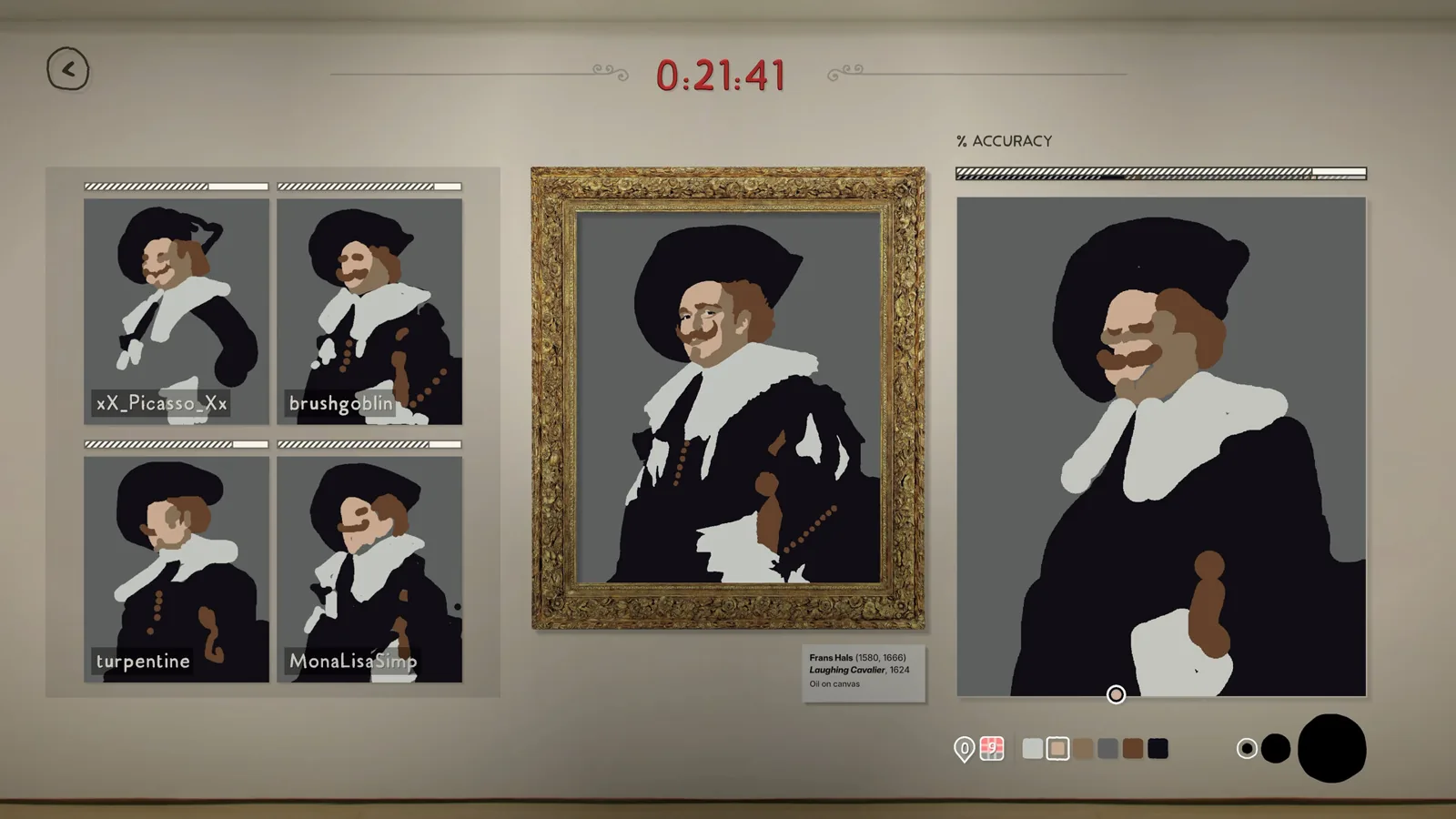
Table of Contents
Yes, Sloppy Forgeries supports Wacom tablets, and you can even use two at the same time. The developer, Playful Systems, announced Wacom tablet support in a Steam news post on July 31, 2026, and the official Steam page now lists "Wacom Tablet Support" among the game's painting features, noting you can "use a tablet... or two... at once."
What the support actually covers
The announcement confirms tablets work for drawing, and the two-tablet option pairs naturally with the game's mouse-versus-mouse local multiplayer, where two players compete head-to-head on one PC. Swapping a mouse for a tablet (or running two tablets side by side) gives each player pen-style strokes in those local matches.
A few boundaries to keep in mind, as of 2026-11-09:
- The game is Windows only on Steam, with a release date of November 13, 2026, and a free demo available now.
- The Steam system requirements list "Must have an external mouse" under both minimum and recommended specs. Nothing in the material says a tablet replaces the mouse requirement, so keep a mouse connected and treat the tablet as your drawing input.
- The developer's post mentions needing playtesters "with different devices" to test support, which suggests device coverage is still being broadened. The post directs players with tablets to sign up for the developer's mailing list to be notified when playtesting opens.
- The material does not list specific Wacom models that have been verified, and no in-game tablet settings or menu paths are documented yet.
Trying a tablet in the demo
Since the demo is free, the practical way to check your specific tablet is to install the demo, plug the tablet in with its usual Wacom drivers, and see whether the pen moves the in-game cursor. If the pen does not register, verify the tablet works in Windows normally first, then report the device to the developer via the Discord or mailing list so it can be tested.
FAQ
Does Sloppy Forgeries have Wacom tablet support?
Yes. The developer announced it on July 31, 2026, and the official Steam page lists Wacom tablet support as a feature, including two tablets at once.
Can two players use two Wacom tablets on one PC?
That is the intent, according to the Steam page's feature list. It mirrors the existing two-mouse local multiplayer, where two players share one computer.
Do I still need a mouse?
The Steam requirements state an external mouse is required, so keep one connected. The material does not say a tablet alone satisfies that requirement.
Does this work on Mac?
As of 2026-11-09, the official Steam page lists only Windows as a platform; no Mac version is shown.
Checked November 9, 2026, against the official Steam store page and the developer's July 31, 2026 Steam announcement. Specific Wacom models verified in-game remain unconfirmed until the playtest opens.
Related guides for this game
Support Guides Index

Sloppy Forgeries Mouse Movement Fix: Aspect Ratio Bug
The Sloppy Forgeries mouse movement fix is demo v0.8.0: update the demo, or play at 16:9 to avoid stretched strokes on ultrawide and portrait displays.

Sloppy Forgeries System Requirements: Can Your PC Run It?
The complete Sloppy Forgeries system requirements from the official Steam page, so you can check whether your PC meets the minimum specs to run the game.
Access Guides Index
Sloppy Forgeries Demo: How to Download It on Steam Page
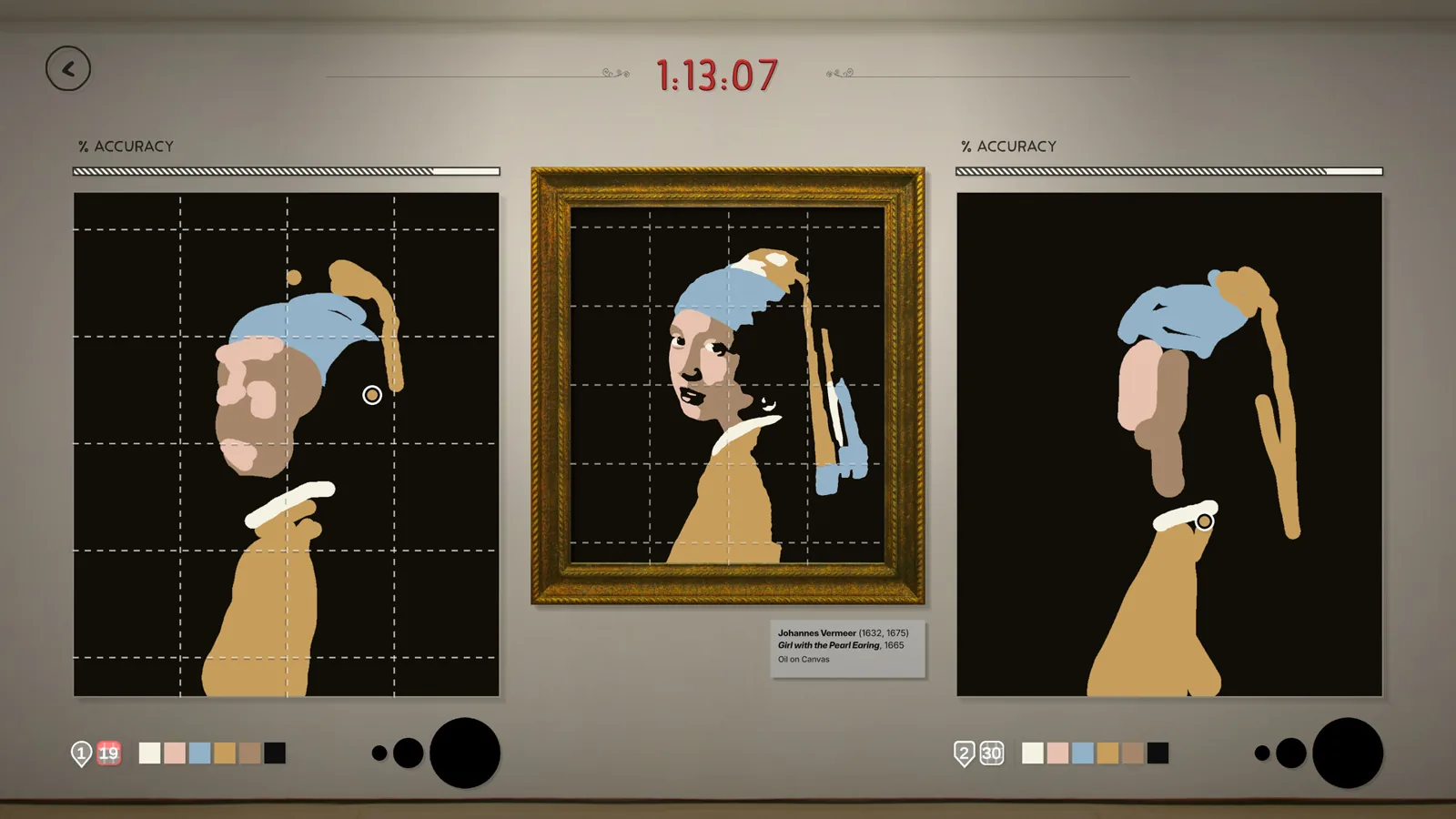
A free Sloppy Forgeries demo is live on Steam. Find the demo download button on the game's store page, install it, and start copying famous paintings today.
Guide Guides Index

Sloppy Forgeries Badges: How to Earn Them in Single Player
How Sloppy Forgeries badges work: earn them by scoring a C or better across a collection, with four badge levels per collection plus a catalog badge.

Sloppy Forgeries Beginner Guide: How to Start Painting
This Sloppy Forgeries beginner guide: grab the free demo, learn the pixel-scoring painting loop and start forging your first masterpiece in three minutes.
Multiplayer Guides Index

Sloppy Forgeries Leaderboards: How Accuracy Is Ranked
Sloppy Forgeries leaderboards rank the best accuracy score separately for each of the 50 paintings on Steam, with an in-game gallery of the top forgeries.